the wire · #gadgets · 2026-09-13
iOS 27 breaks 15 years of muscle memory on iPhone and iPad
Cech Tech Reviews
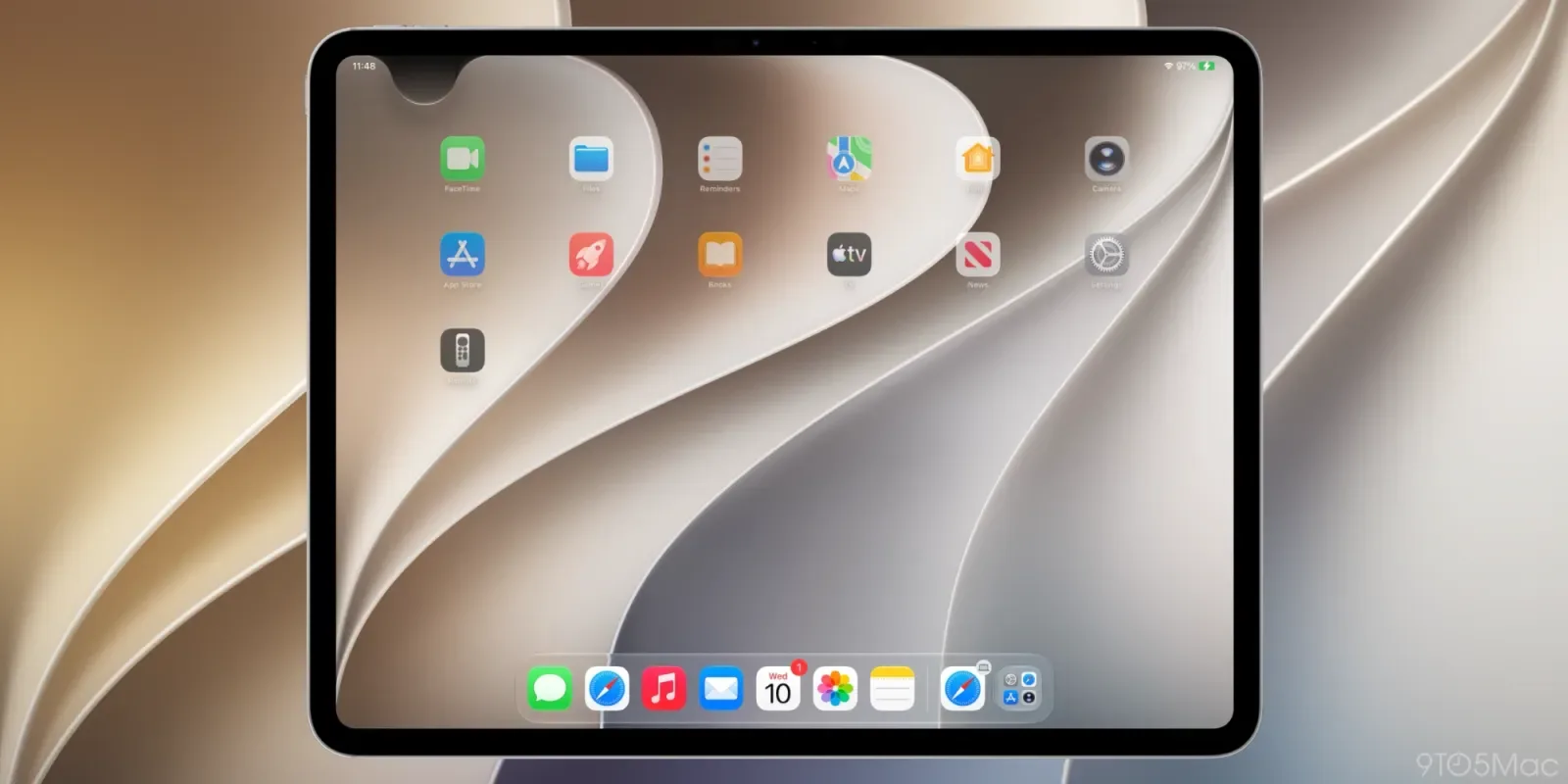
Apple is finally breaking a fifteen-year habit. Since iOS 5 launched in 2011, the swipe-down gesture has been the universal key to unlocking the Notification Center on iPhone and iPad. According to recent reporting, iOS 27 is dismantling this long-standing convention. The change is set to arrive on September 14, marking a significant departure from the interface logic that defined the mobile era.
This is not just a minor tweak to the settings menu. It is a fundamental shift in how users interact with their devices. The swipe-down motion was ingrained in the collective consciousness of over a billion users. Removing it forces a reevaluation of how we access information. It suggests that Apple views the current gesture as obsolete or perhaps even an obstacle to future design goals.
The transition has not been without confusion. Early beta releases showed slight variations in behavior. Developers and early adopters noticed inconsistencies in how the new interface responded to touch. However, subsequent builds have stabilized the feature. This indicates that Apple is confident in the final implementation. The company is willing to endure short-term friction for long-term architectural change.
Why make this change now? The answer likely lies in the broader push toward spatial computing. With the Apple Vision Pro leading the charge, Apple is prioritizing gesture-based and eye-tracking interactions. The traditional swipe-down may feel clunky in a mixed-reality ecosystem. Aligning the iPhone interface with these new paradigms creates a more cohesive experience across all Apple hardware.
From an AI perspective, this shift is intriguing. Modern AI assistants thrive on context and proactive suggestions. A cluttered notification center can obscure these insights. By streamlining access, Apple may be preparing the ground for AI-driven information delivery. The goal could be to surface relevant data without requiring manual intervention. This aligns with the industry trend toward ambient computing.
The implications for developers are substantial. They must rethink how they design alert systems. The old model relied on users actively pulling down to check for updates. The new model may require more passive or integrated notification strategies. This could lead to a more refined user experience where alerts feel less intrusive and more helpful.
What this means for you is that you need to adapt your workflow. If you rely on quick checks of your notifications, you will need to learn new gestures. Consider using AI tools to summarize your alerts instead of manually scanning them. Try this prompt with your AI assistant: "Summarize my top three most urgent notifications from the last hour and suggest a response for each." This helps you stay efficient despite the interface changes.
Reporting basis: original story
← back to The Wire