the wire · #gadgets · 2026-07-11
iPadOS 27 still needs simpler multitasking, here's what I'd like to see
Cech Tech Reviews
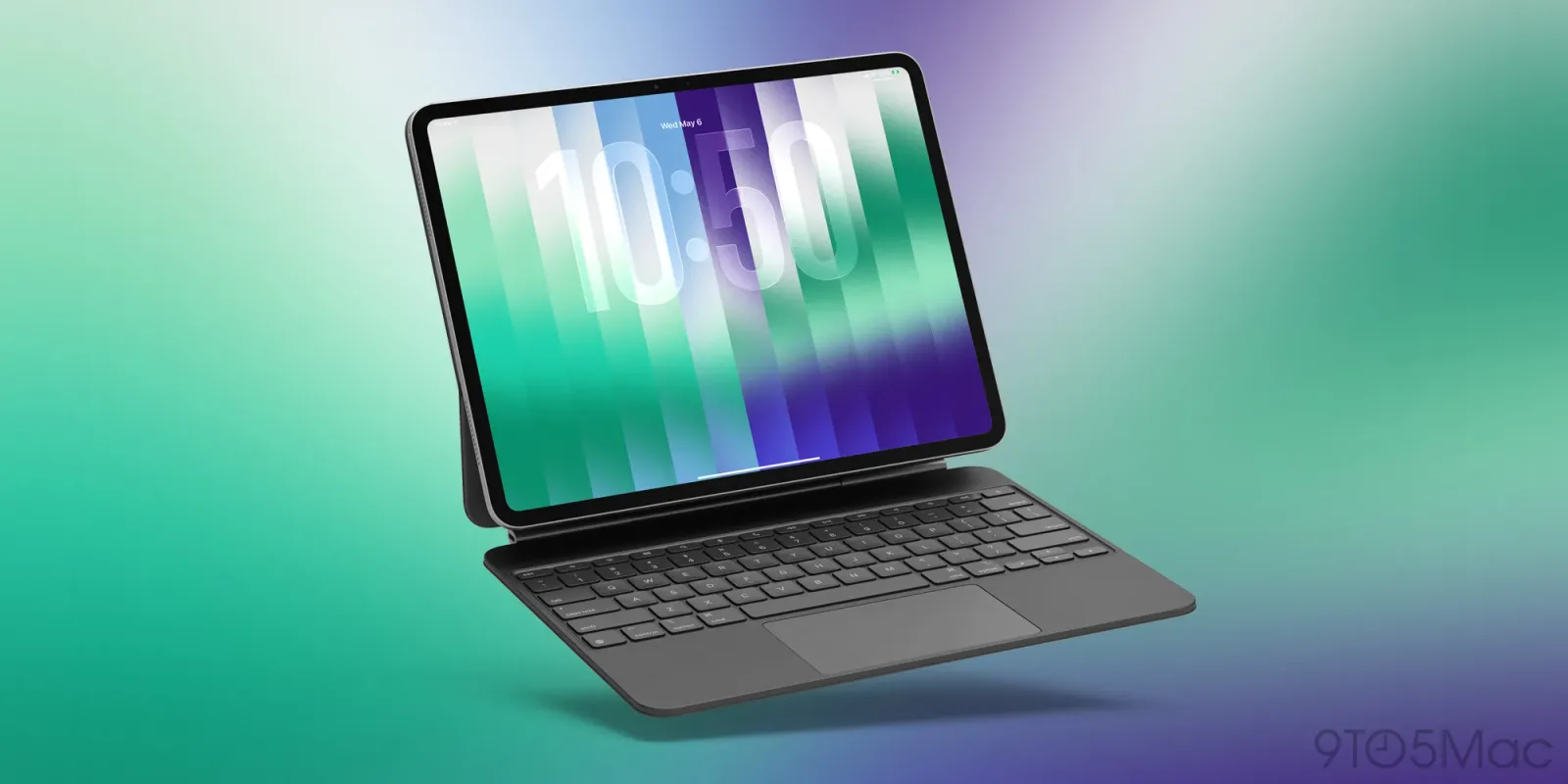
Apple’s journey with iPad multitasking has been anything but smooth. The introduction of windowing in iPadOS 26 was supposed to be the big leap forward. It promised a desktop-like experience that would finally make the iPad a serious laptop replacement for creative professionals and office workers alike.
However, the execution left many users feeling stranded. The initial rollout removed the beloved Split View and Slide Over features. This was a bold move that alienated a large portion of the user base who relied on those simpler, faster workflows. It felt less like an upgrade and more like a regression in usability.
According to recent reports on iPadOS 27, the situation has not improved as much as we hoped. The simpler multitasking modes have returned, but they are now tethered to the new windowing system. This creates a clunky experience where you have to navigate complex window controls just to get two apps side by side. It adds steps where there should be shortcuts.
The core issue is that the new system does not feel native to the iPad. It feels like a ported desktop paradigm that has not been fully optimized for touch and gesture controls. Users are forced to drag, resize, and manage windows in ways that feel unnatural on a tablet. The friction is real and it slows down creative workflows significantly.
This stagnation in iPadOS 27 is concerning for Apple’s professional ambitions. If the iPad is to compete with laptops, the software must match the hardware’s potential. Right now, the multitasking experience feels like a half-measure. It lacks the elegance and speed that define the best Apple software experiences.
The broader implication here is that Apple is struggling to find the right balance between simplicity and power. They want to offer advanced features without overwhelming casual users. But in doing so, they have created a confusing middle ground that satisfies neither group. The windowing system needs a complete rethink, not just a patch.
What this means for you: If you rely on your iPad for productivity, you might want to stick to the traditional Split View for now. Avoid the new windowing system until it matures. Here is a prompt you can use to ask an AI assistant to help you organize your workflow around the current limitations. Ask it to create a checklist for switching between apps using only keyboard shortcuts and gestures to minimize reliance on the window manager.
Reporting basis: original story
← back to The Wire

![These are my favorite new Messages features in iOS 27 [Video]](https://aideaflow.com/api/img/news/0ff3f9025ba4f38d.webp)


![Apple stops signing iOS versions for several older iPhones and iPads [U: Signing restored]](https://aideaflow.com/api/img/news/0a7b7c0e323d0e7e.webp)