the wire · #gadgets · 2026-09-25
TestFlight now works in landscape as Apple prepares for iPhone Duo
Cech Tech Reviews

Apple has quietly pushed an update to TestFlight that might tell us more about its hardware roadmap than we initially thought. According to recent reports, the beta testing app now supports landscape orientation for the first time. This small change feels significant when you look at the broader context of Apple’s recent software developments.
The update also introduces compatibility with macOS 27 Golden Gate’s new resizable iPhone Mirroring window. This means developers can now test how their apps behave when the simulated device is stretched or rotated in unexpected ways. It is a clear signal that Apple is preparing its ecosystem for more flexible display configurations.
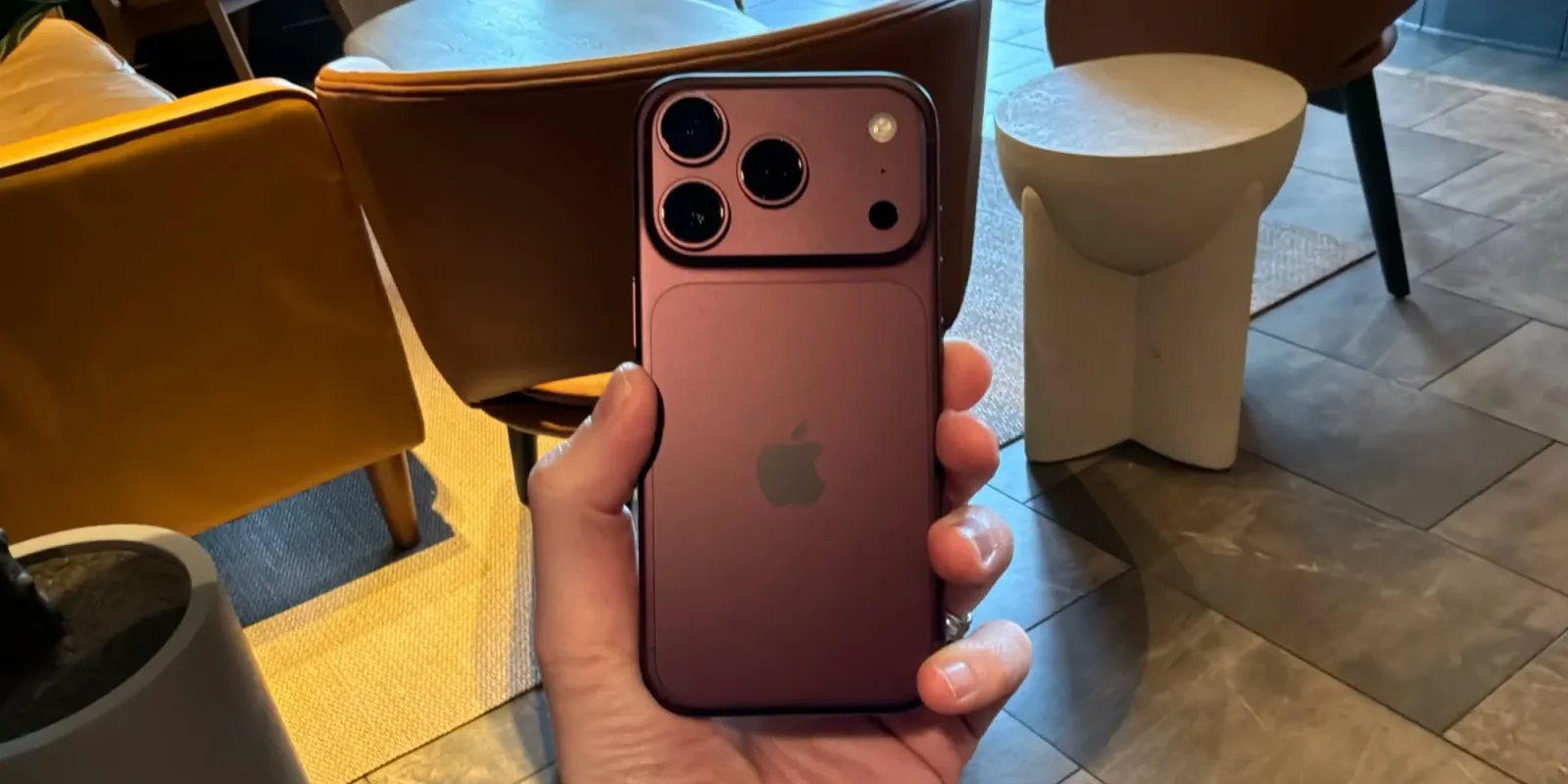
Why does this matter for the AI and tech community? The rumor mill has been buzzing about the iPhone Duo, a device that could feature a foldable or dual-screen design. If Apple is allowing landscape testing in its primary developer tool, it is likely ensuring that third-party apps will not break when users flip or fold their devices.
This is not just about aesthetics. It is about functional utility. Apps that rely on portrait-only layouts will need to adapt to multi-tasking and wider aspect ratios. For AI tools that often display complex data visualizations or large text outputs, landscape mode offers a much better user experience. It allows for side-by-side comparisons and more comfortable reading angles.
The timing of this update is also worth noting. Apple typically tightens its software constraints before launching new hardware. By relaxing these constraints in TestFlight, they are giving developers a head start. This proactive approach helps avoid the common post-launch app compatibility issues that plague other platforms.
For entrepreneurs and developers, this is a cue to start thinking differently about UI design. Rigid, portrait-only interfaces are becoming a thing of the past. You need to consider how your AI-powered tools will look and function on wider screens. It is an opportunity to differentiate your product by offering a superior multi-tasking experience.
What this means for you: Start experimenting with responsive design principles in your AI workflows. If you are building an app or a custom agent interface, test how it handles wider viewports. Here is a prompt you can use with an AI coding assistant to help you adapt your current layout: "Analyze my current CSS grid layout for this web app. Suggest three specific changes to make it fully responsive and optimized for landscape orientation on large screens, ensuring key data remains visible without horizontal scrolling."
Reporting basis: original story
← back to The Wire