the wire · #gadgets · 2026-11-23
What the green flashing light on your Roku remote is telling you
Cech Tech Reviews
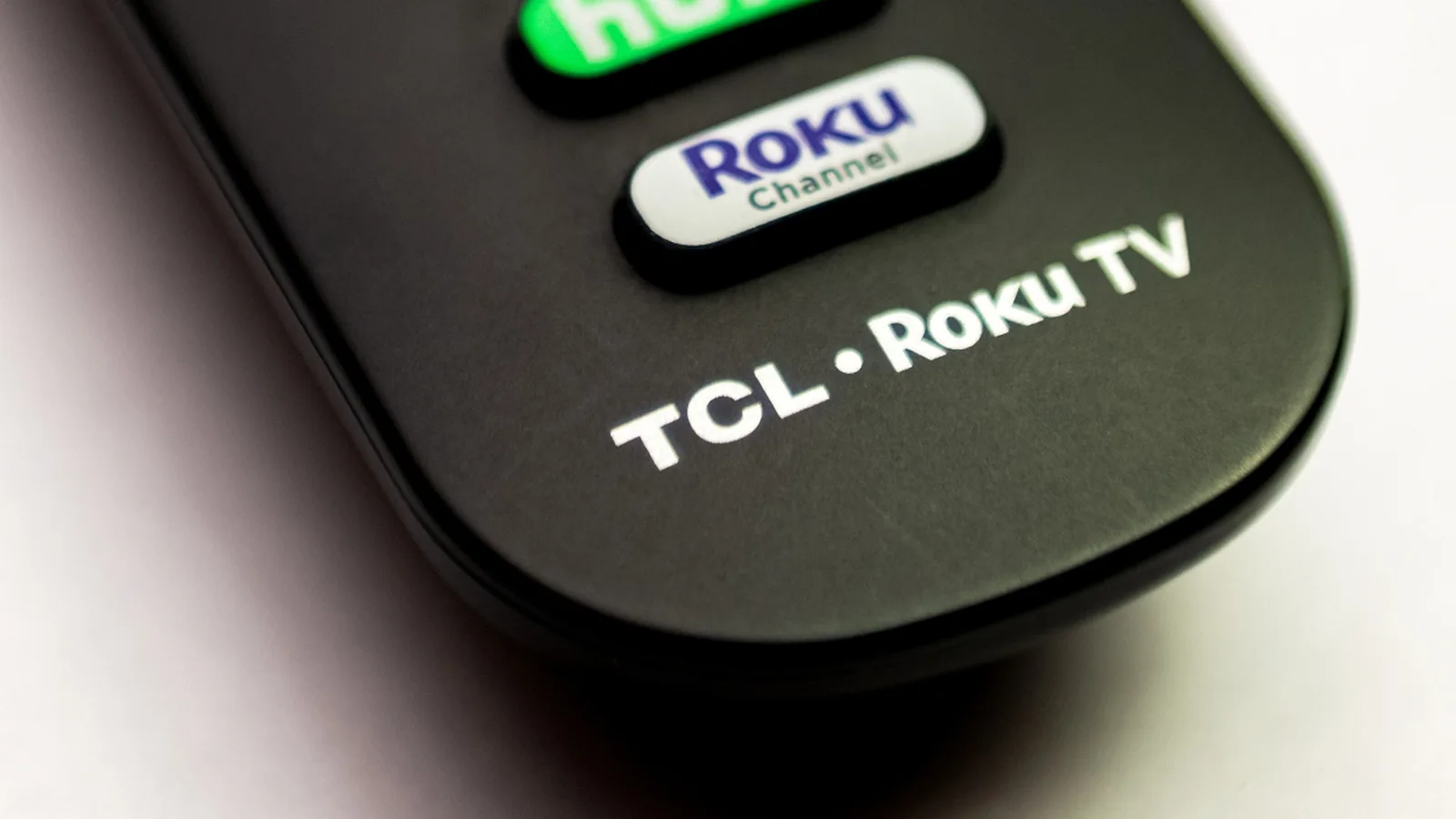
The humble Roku remote is a staple in modern living rooms, yet its simple LED light often leaves users guessing. According to recent troubleshooting guides, that blinking green light is actually a straightforward status indicator rather than a cryptic error code. It primarily signals that the remote is attempting to pair with your streaming device or that it has successfully established a connection.
When the light blinks rapidly, it usually means the remote is in pairing mode. This happens when you first set up the device or if you have replaced the batteries. The remote is essentially shouting, Hey, I am here, connect to me. This is a normal part of the setup process and nothing to worry about.
However, a steady or slow blink can indicate a connection issue. If your remote is unresponsive while the light is active, it might be struggling to maintain a link with the Roku player. This often points to interference or a weak signal rather than a broken remote. Checking for physical obstructions between the remote and the receiver is a good first step.
Battery health is another common culprit behind erratic light behavior. Low power can cause the remote to drop connections or fail to pair properly. Replacing the batteries with fresh ones often resolves these issues instantly. It is a simple fix that saves you from unnecessary frustration or buying a new remote.
From an AI perspective, this highlights a broader trend in consumer electronics. We are moving toward devices that expect users to understand basic diagnostic signals without manual intervention. While Roku keeps it simple, future devices might use more complex feedback loops. Understanding these basic signals now prepares you for more sophisticated IoT ecosystems.
The key takeaway is that most remote issues are solvable with basic troubleshooting. You do not need to call support for a blinking light. Resetting the remote or checking the batteries usually does the trick. This empowers users to maintain their tech without relying on external help.
What this means for you: Treat your smart home devices as part of a connected ecosystem. Learn their basic feedback signals so you can troubleshoot quickly. Try this workflow with an AI assistant: Ask an AI to create a step-by-step troubleshooting checklist for your specific smart home devices. This helps you build a personal knowledge base for faster resolution of common tech issues.
Reporting basis: original story
← back to The Wire