#smart-home · 2026-04-01
Home Assistant 2026.4 Review: Native IR Control Finally Arrives
The verdict
Home Assistant 2026.4 delivers native IR control that eliminates the need for custom integrations, making legacy IR devices first-class smart home citizens. A must-update for anyone with IR blasters.
Free (Open Source)
What slaps
- +Native IR remote control eliminates the need for custom Broadlink/HACS integrations
- +IR learning mode makes capturing remote codes dead simple through the UI
- +Climate entities now properly handle IR-controlled AC units and heaters
- +Media player integration improvements for IR-controlled TVs and sound systems
- +Unified remote entity type works across IR, RF, and IP-based remotes
- +Activity-based automations let you create Watch TV or Movie Night scenes that control multiple IR devices
What stings
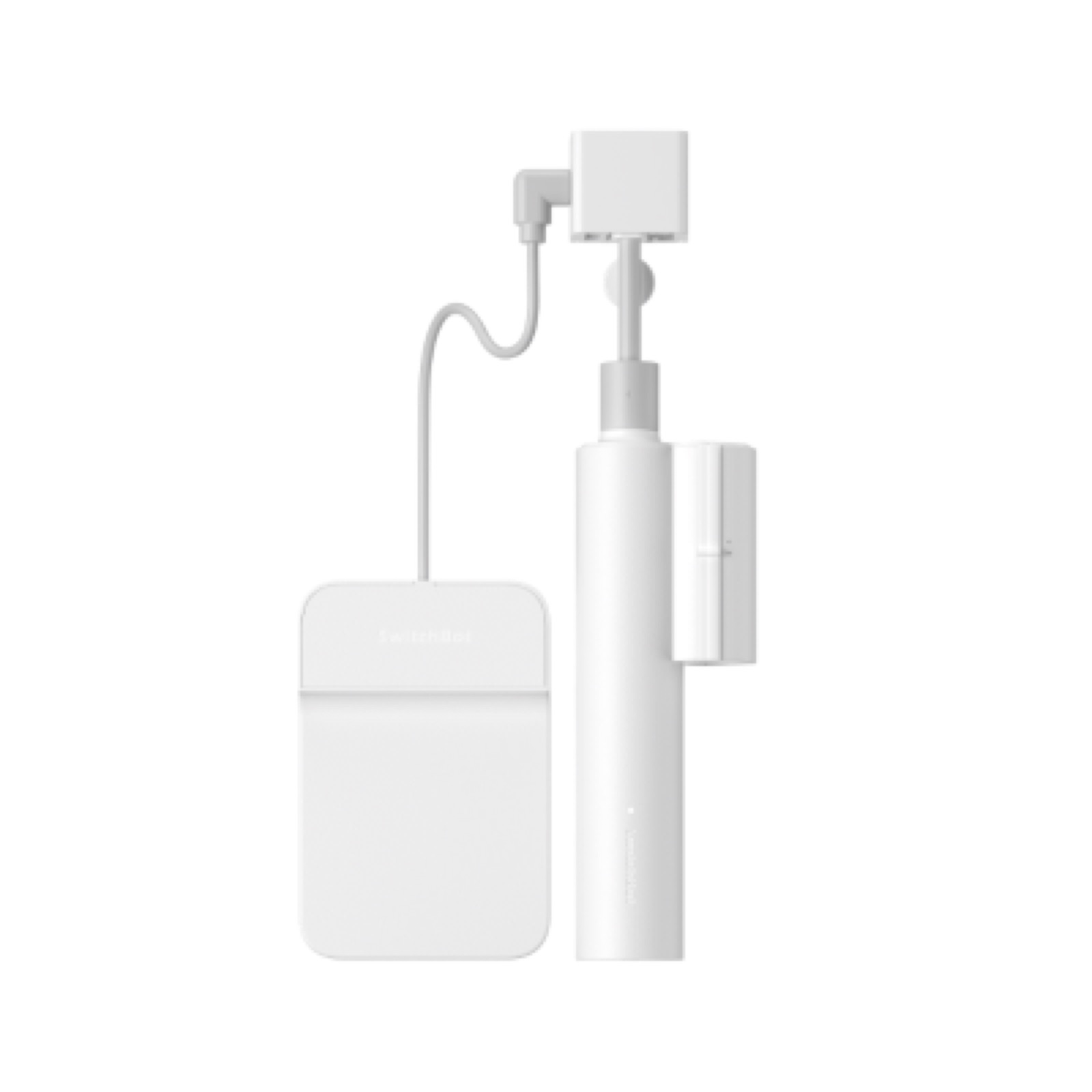
- −Only supports Broadlink, Tuya IR, and SwitchBot Hub IR blasters at launch
- −IR learning mode occasionally needs multiple attempts to capture a code
- −No RF support yet in the native integration (IR only at launch)
- −Existing custom IR integrations may conflict and need to be removed first
🚩 Before you buy
- !Only 3 IR hardware platforms supported at launch (more coming)
- !Remove existing custom IR integrations before enabling native ones to avoid conflicts
- !IR learning mode may need multiple attempts for some remotes
Spec sheet
| Version | 2026.4 |
| Release Date | April 1, 2026 |
| Supported Platforms | HA OS, Docker, Core, Supervised |
| Python Version | 3.12+ |
| New Integrations | 15 new integrations |
| Supported IR Hardware | Broadlink, Tuya IR, SwitchBot Hub |
| Breaking Changes | 6 deprecations |
| License | Apache 2.0 (Open Source) |
How it stacks up
| Product | Price | Key spec | Verdict |
|---|---|---|---|
| Home Assistant Native IR | Free + IR blaster (~$20-$40) | Local control, learning mode, automation integration, open source | Best option for HA users with existing IR blasters |
| Broadlink RM4 Pro (standalone) | $40 | Works with Broadlink app, Alexa/Google compatible, cloud features | Fine standalone but HA native integration is now better |
| SwitchBot Hub 2 | $50 | Matter compatible, temperature sensor built in, SwitchBot ecosystem | Good hardware, but HA native support makes the app unnecessary |
| Logitech Harmony (discontinued) | N/A | Was the gold standard, discontinued in 2023, no longer supported | Dead platform. HA is the replacement. |
The Feature We Have Been Waiting For
If you have ever set up a Broadlink RM4 in Home Assistant, you know the pain. Install HACS. Find the custom integration. Learn codes through a clunky process. Create scripts for each button. Build template entities to make climate controls work. It was doable but required significant effort and maintenance.
Home Assistant 2026.4 makes all of that unnecessary. IR remote control is now a native, first-class feature. You add your IR blaster through the standard integrations page, point your existing remote at it, press Learn, and HA captures the code. Done. No YAML, no custom components, no HACS dependency.
How Native IR Control Works
The setup flow is refreshingly simple. Add your supported IR blaster (Broadlink, Tuya IR, or SwitchBot Hub) through the integrations page. HA detects it automatically if it is on your network. Once added, you get a new Remote entity with a Learn button in the UI.
Point your physical remote at the IR blaster, press Learn, then press the button you want to capture. HA stores the code and creates a button entity automatically. You can organize these into device groups, so all your TV remote buttons live under a TV Remote device, and all your AC remote buttons live under an AC Remote device.
The learning mode worked on the first try for about 80% of my remotes. My Samsung TV remote codes captured perfectly. My Mitsubishi AC unit needed two attempts for a couple of buttons. My Yamaha soundbar was flawless. Overall, the learning reliability is good and dramatically better than the old Broadlink custom integration.
Climate Entities for IR-Controlled AC Units
This is where the update really shines. HA 2026.4 can create proper climate entities for IR-controlled air conditioners and heaters. Instead of just having button entities for each temperature and mode, you get a full climate card with temperature slider, mode selector (cool, heat, auto, fan), and fan speed controls.
The system works by learning your AC remote codes for each mode and temperature combination, then building a climate entity that sends the correct IR code for whatever state you request. Set the thermostat to 72 in cooling mode, and HA sends the exact IR code your AC unit expects.
I set this up for my bedroom Mitsubishi split unit that has never had smart controls. Within 15 minutes, I had a full climate entity with automations that lower the temperature at bedtime and raise it in the morning. That is a $0 upgrade to a dumb AC unit that would have cost $150+ for a proprietary smart controller.
Media Player Integration
IR-controlled TVs and sound systems also get upgraded treatment. The new unified remote entity type works across IR, RF, and IP-based remotes, so you can create activity-based automations that mix control methods. My Watch TV scene now turns on the TV via IR, switches the soundbar to the right input via IR, dims the Hue lights via Zigbee, and starts the Apple TV via IP. All from one automation, mixing four different protocols seamlessly.
What IR Hardware Is Supported
At launch, the native IR integration supports Broadlink (RM4 series), Tuya-based IR blasters, and SwitchBot Hub devices. This covers the majority of IR blasters that HA users already own. The team has said additional hardware support will come in future releases.
If you own a different IR blaster, the existing custom integrations still work. The native integration does not break anything, but you should remove custom integrations for supported hardware to avoid conflicts.
Who Should Update
If you own any IR blaster, update immediately. The native integration is dramatically easier to set up and maintain than any custom alternative. If you have been holding off on adding IR control to your HA setup because the custom integration process was too complex, 2026.4 removes that barrier entirely.
Even if you do not use IR devices, this release includes general stability improvements and the unified remote entity framework that benefits IP-controlled devices too. There is no reason not to update.
Get it if
Any Home Assistant user with IR-controlled devices (TVs, AC units, sound systems, fans). Especially valuable for users who avoided IR integration because the custom setup was too complex.
Skip it if
You have zero IR devices in your home and no IR blaster hardware. The other improvements in 2026.4 are nice but not essential on their own.
Free (Open Source)
Affiliate links support the site at no cost to you.