the wire · #gadgets · 2026-07-13
Free Mac app WhatCable tells you what each of your USB-C cables can really do
Cech Tech Reviews
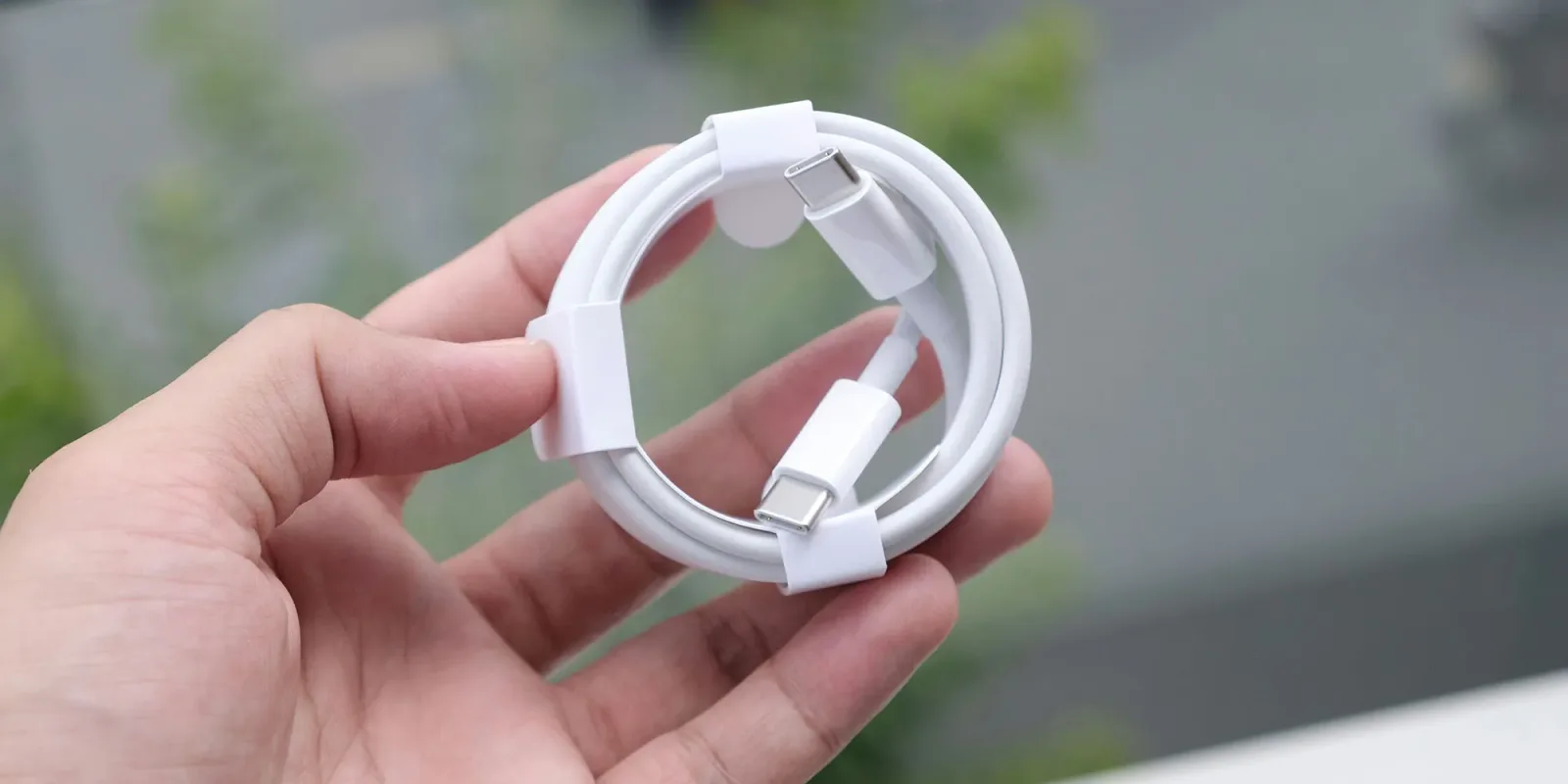
The frustration of buying a USB-C cable is a universal experience for tech users. You walk into a store or click buy online, and every cable looks exactly the same. They all have the same small oval connector. Yet their capabilities range from slow charging to lightning-fast data transfer and video output. This ambiguity has created a hidden bottleneck in how we use our devices.
Google actually tackled this problem years ago in Chrome OS. They implemented a system that identifies cable capabilities automatically. It tells users exactly what a cable can and cannot do before they plug it in. It was a smart move that reduced support tickets and user confusion. Apple has not adopted this feature for macOS despite the clear need.
That gap in the Apple ecosystem is now filled by a new free app called WhatCable. According to recent reports, this tool turns your Mac into a hardware cable tester. It reads the identification chip inside the cable to determine its true specifications. You no longer have to guess if your cable supports Thunderbolt speeds or just basic charging.
This is significant because the USB-C standard is incredibly broad. A cable might look identical to a premium Thunderbolt 4 cable but only support USB 2.0 speeds. This means you could be paying for a high-end monitor connection while only getting slow data transfer. WhatCable exposes these discrepancies immediately. It forces transparency in a market that thrives on obscurity.
The implications for productivity are substantial. Professionals who rely on external displays and fast storage arrays need to know their hardware is performing at its peak. Using an incorrect cable can degrade workflow efficiency without any obvious error message. The app provides clarity that prevents these silent performance drops. It is a small tool with a large impact on daily computing.
This also highlights a broader trend in the hardware industry. As connectivity standards become more complex, software solutions are needed to bridge the gap. Users cannot be expected to memorize every specification of every cable variant. Tools like WhatCable democratize this knowledge. They empower users to make informed decisions about their setup.
What this means for you: Stop guessing with your hardware. If you use multiple monitors or external drives on a Mac, install WhatCable to verify your connections. Try this workflow: Connect your primary data cable and run the app. If it reports lower speeds than expected, swap it for a certified Thunderbolt or USB4 cable to unlock full performance. This simple check can save you from expensive hardware troubleshooting later.
Reporting basis: original story
← back to The Wire