the wire · #gadgets · 2026-10-27
Google Photos rolls out customizable redesign of your ‘Collections’ tab
Cech Tech Reviews
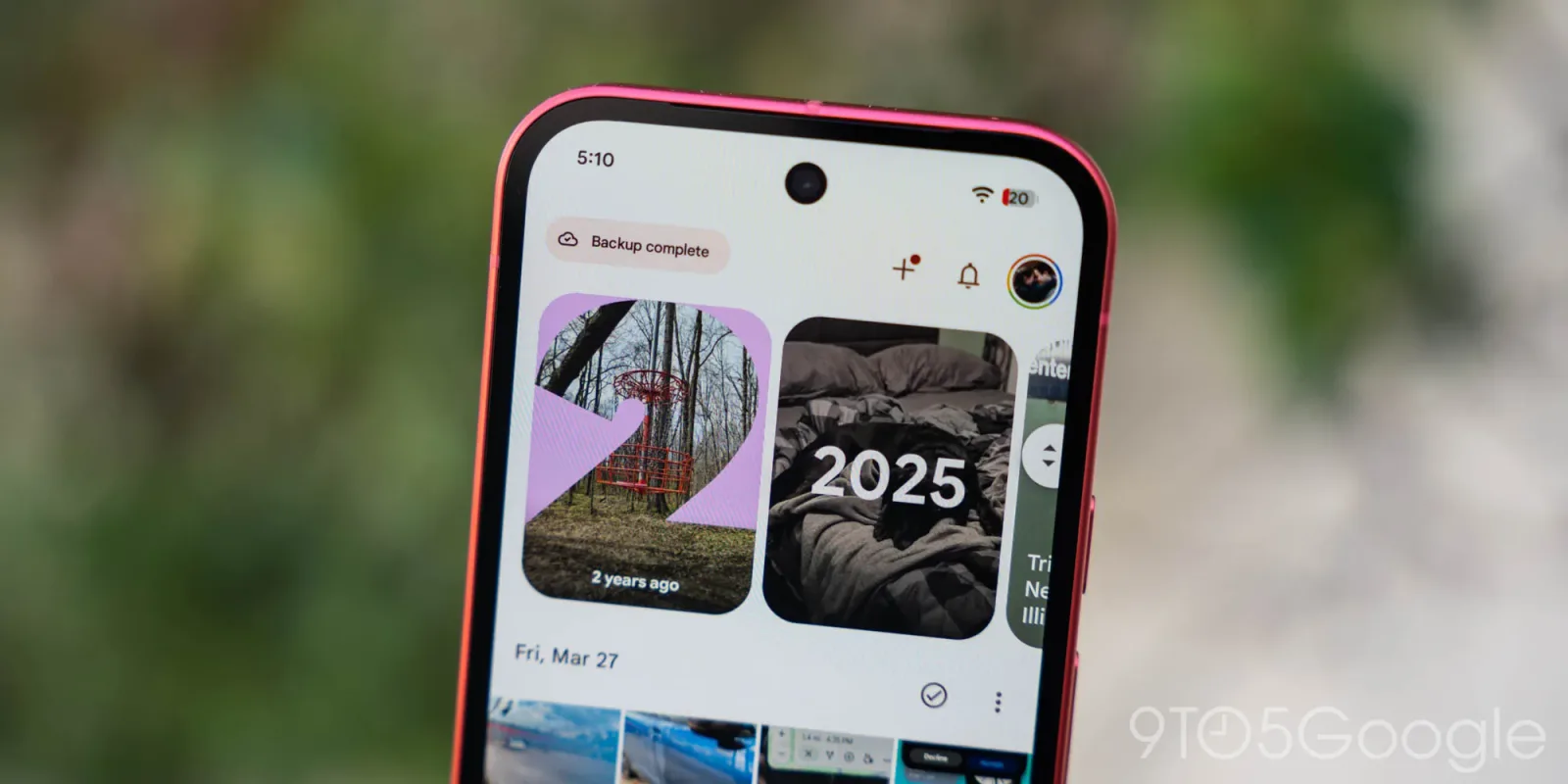
Google Photos is making a significant structural change to how users interact with their digital memories. According to recent reports, the company is rolling out a customizable redesign of the Collections tab across both Android and iOS platforms. This update follows the introduction of a floating navigation bar in July, suggesting a broader effort to streamline the user interface and improve accessibility.
The core of this update is the ability for users to define and reorder their own collections. Instead of relying solely on algorithmic suggestions, you can now curate specific groups of photos that matter most to you. This shift places more control in the hands of the user, allowing for a more personalized experience that adapts to individual habits rather than enforcing a one-size-fits-all layout.
This development is particularly interesting when viewed through the lens of artificial intelligence. While Google has long used AI to automatically sort photos by people, places, and things, the new customization options suggest a hybrid approach. The algorithm likely still powers the initial grouping, but the final presentation is now shaped by human preference. This balance between automation and manual control is becoming a key trend in consumer software.
For entrepreneurs and developers, this signals a growing demand for flexible UI components in mobile applications. Users are increasingly tired of rigid interfaces that do not adapt to their specific workflows. By allowing customization, Google is acknowledging that different users have different definitions of what constitutes a meaningful collection. This could set a precedent for other media-heavy apps to adopt similar flexible structures.
The timing of this rollout is also noteworthy. As AI-generated content becomes more prevalent, the need for reliable, user-managed organization tools will only increase. People are storing more images than ever before, and the ability to quickly navigate to specific memories is a critical feature. Google is clearly betting that ease of access will be a major differentiator in the crowded photo storage market.
From a technical standpoint, implementing such a dynamic interface requires robust backend support. The app must be able to handle real-time updates to user preferences without compromising performance. This level of responsiveness is essential for maintaining a smooth user experience, especially when dealing with large libraries of high-resolution images and videos.
What this means for you: If you rely on Google Photos for archiving personal or professional images, take advantage of the new customization features immediately. Start by creating specific collections for recurring projects or events. This will train the app to prioritize these groups in your daily view, making retrieval faster and more efficient. Try using an AI assistant to draft a naming convention for your collections based on your workflow, such as Client_Projects, Family_Vacations, or Design_Inspiration, to keep your digital library organized and searchable.
Reporting basis: original story
← back to The Wire