the wire · #gadgets · 2026-08-15
Indie App Spotlight: ‘Notepad.exe’ is an ultra-fast, lightweight code editor for your Mac
Cech Tech Reviews
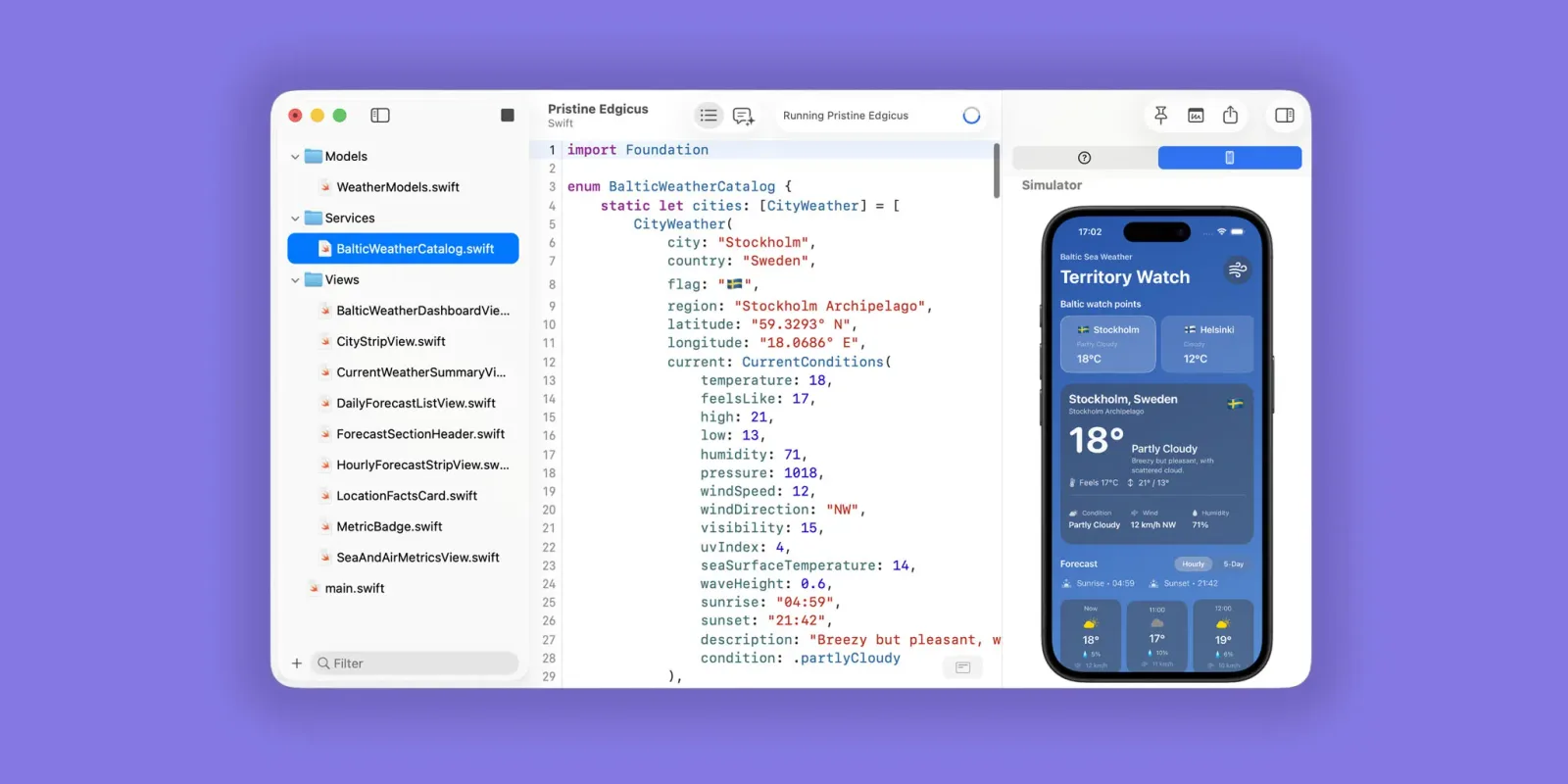
A new Mac app is trying to solve one of coding's most annoying friction points: the time between having an idea and actually writing it down. Notepad.exe, featured in 9to5Mac's Indie App Spotlight, is a lightweight code editor that opens straight to a blank file instead of forcing you through project setup menus and configuration screens.
The pitch is simple but compelling. Most modern code editors assume you're working on a full project with version control, build systems, and folder structures. That's great for production work, but it creates unnecessary overhead when you just want to sketch out a function, test a regex pattern, or prototype an algorithm. Notepad.exe flips that model and lets you figure out the project structure later, if you need it at all.
This design philosophy isn't new, tools like Sublime Text and older editors have long offered fast startup times, but the Mac ecosystem has increasingly pushed developers toward heavier IDEs like VS Code and Xcode. Those tools are powerful but often overkill for quick experiments. Notepad.exe is betting there's still demand for the opposite approach: an editor that gets out of your way.
The name is a deliberate nod to Windows' iconic plaintext editor, but this is clearly aimed at developers who need syntax highlighting and basic code features, not just raw text entry. According to 9to5Mac, the app emphasizes speed and low resource usage, which matters more as AI coding assistants and other background tools compete for system resources.
For anyone working with AI code generation tools like Claude or GitHub Copilot, this kind of scratchpad editor could be useful. You often need a place to paste generated code, tweak it, and test small changes before moving it into your real project. A lightweight editor that opens instantly is more practical for that workflow than spinning up a full IDE.
What this means for you: If you find yourself opening TextEdit or online code playgrounds just to test snippets, a dedicated lightweight editor like Notepad.exe might streamline that process. Try this workflow: when an AI assistant generates code for you, paste it into a fast scratchpad editor first, run it through a mental review or quick local test, then move only the validated pieces into your main project. You'll catch more issues before they touch your codebase, and you won't clutter your project history with experimental commits.
Reporting basis: original story
← back to The Wire