the wire · #gadgets · 2026-09-22
macOS 27 gives you more control over Liquid Glass
Cech Tech Reviews
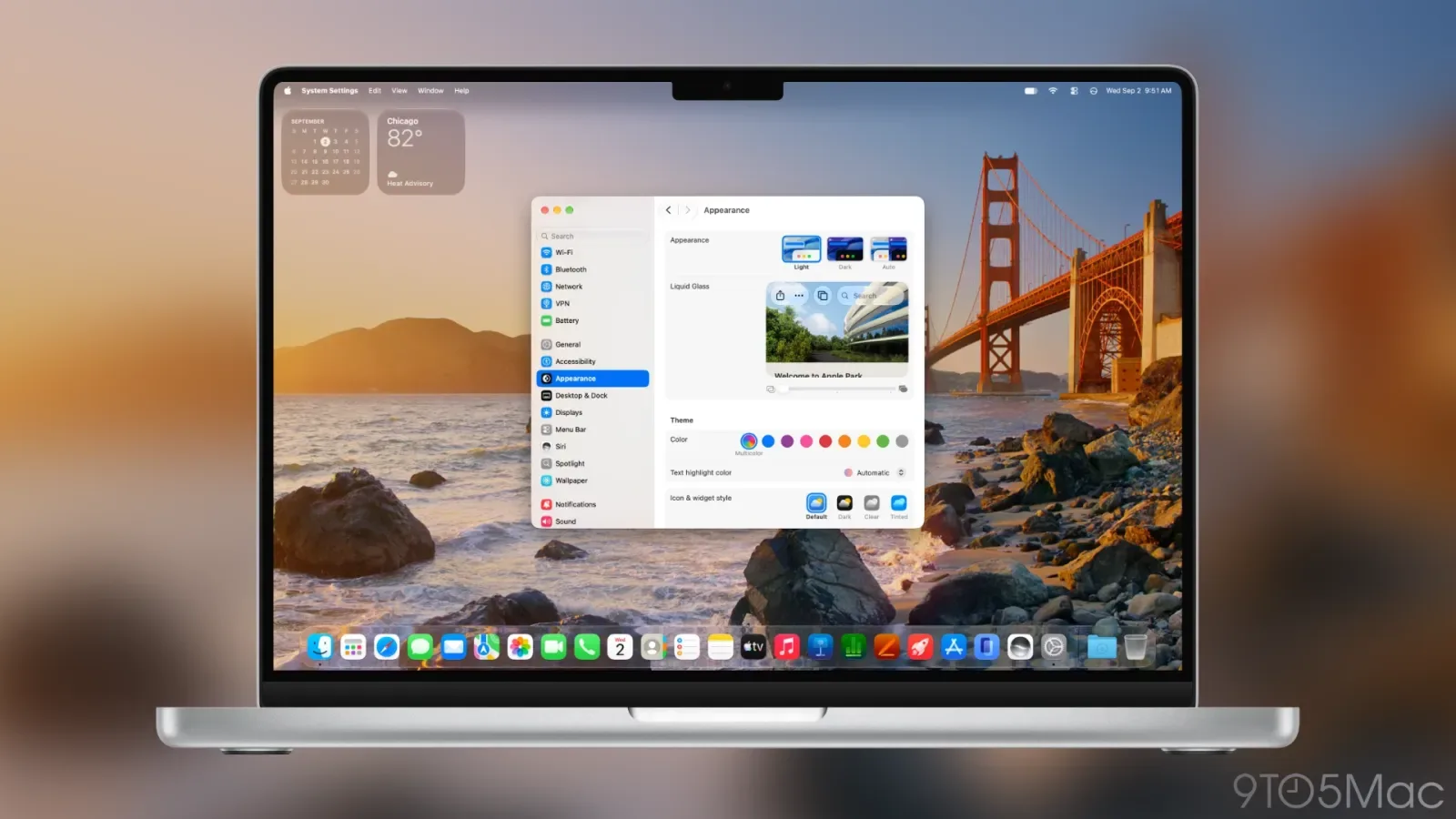
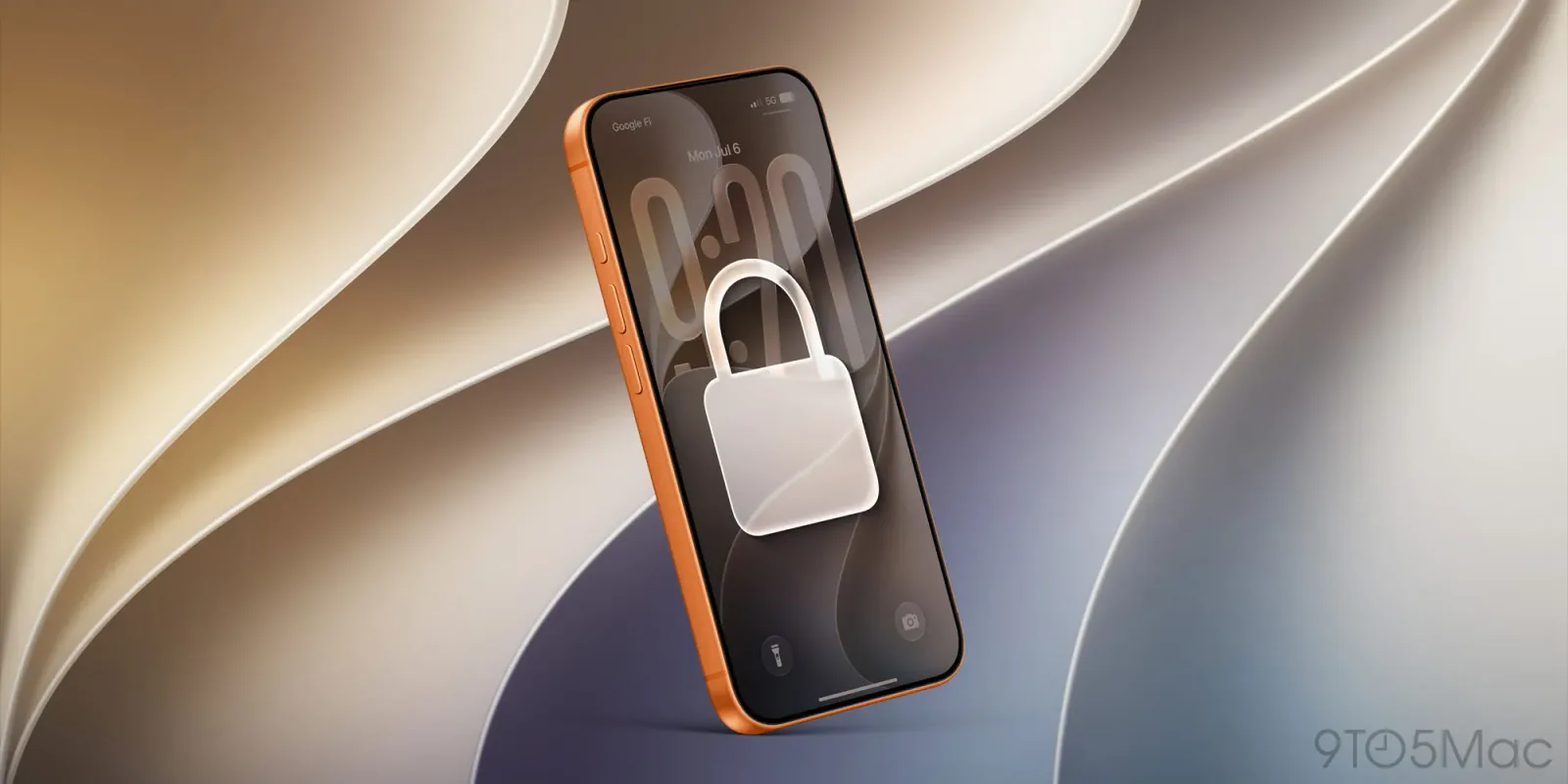
Apple is doubling down on visual customization with the release of macOS 27 Golden Gate. According to reporting by 9to5Mac, this major update introduces a dedicated Liquid Glass appearance slider. This feature gives users direct control over the transparency and depth of the interface elements across the entire system.
The introduction of this slider marks a significant departure from Apple's traditional approach to design consistency. Previously, the operating system enforced a strict visual language. Now, users can dramatically alter the look of their Mac to suit their preferences or specific workflow needs.
This change mirrors the flexibility seen in iOS 27 for iPhone. It suggests that Apple recognizes the need for diverse user experiences in an era where digital environments are becoming increasingly personalized. The ability to tweak the glass effect allows for a more tailored interaction with the desktop.
From an analytical perspective, this is a strategic move to address user fatigue with flat design. The Liquid Glass aesthetic adds depth and hierarchy. By allowing users to adjust this, Apple empowers them to find the right balance between modern aesthetics and readability.
The implications for professionals are subtle but important. A highly transparent interface might look sleek but could reduce contrast. Users who prioritize focus might dial back the glass effect. This flexibility ensures that the new design language does not compromise productivity for the sake of style.
It also highlights a broader trend in software development where customization is becoming a key differentiator. As AI tools become more integrated into workflows, the interface itself may need to adapt to reduce cognitive load. This slider is a step toward that adaptable environment.
What this means for you: If you find the new macOS aesthetic too distracting, you can now adjust it without waiting for a future update. Try using an AI assistant to help you define your ideal workspace settings. You can ask it to list the visual elements that cause the most distraction for you and then manually adjust the slider until those elements are less prominent. This small tweak can significantly improve your focus during deep work sessions.
Reporting basis: original story
← back to The Wire