the wire · #topnews · 2026-09-23
This App Makes Your Laptop Screen Look Like Paper
Cech Tech Reviews
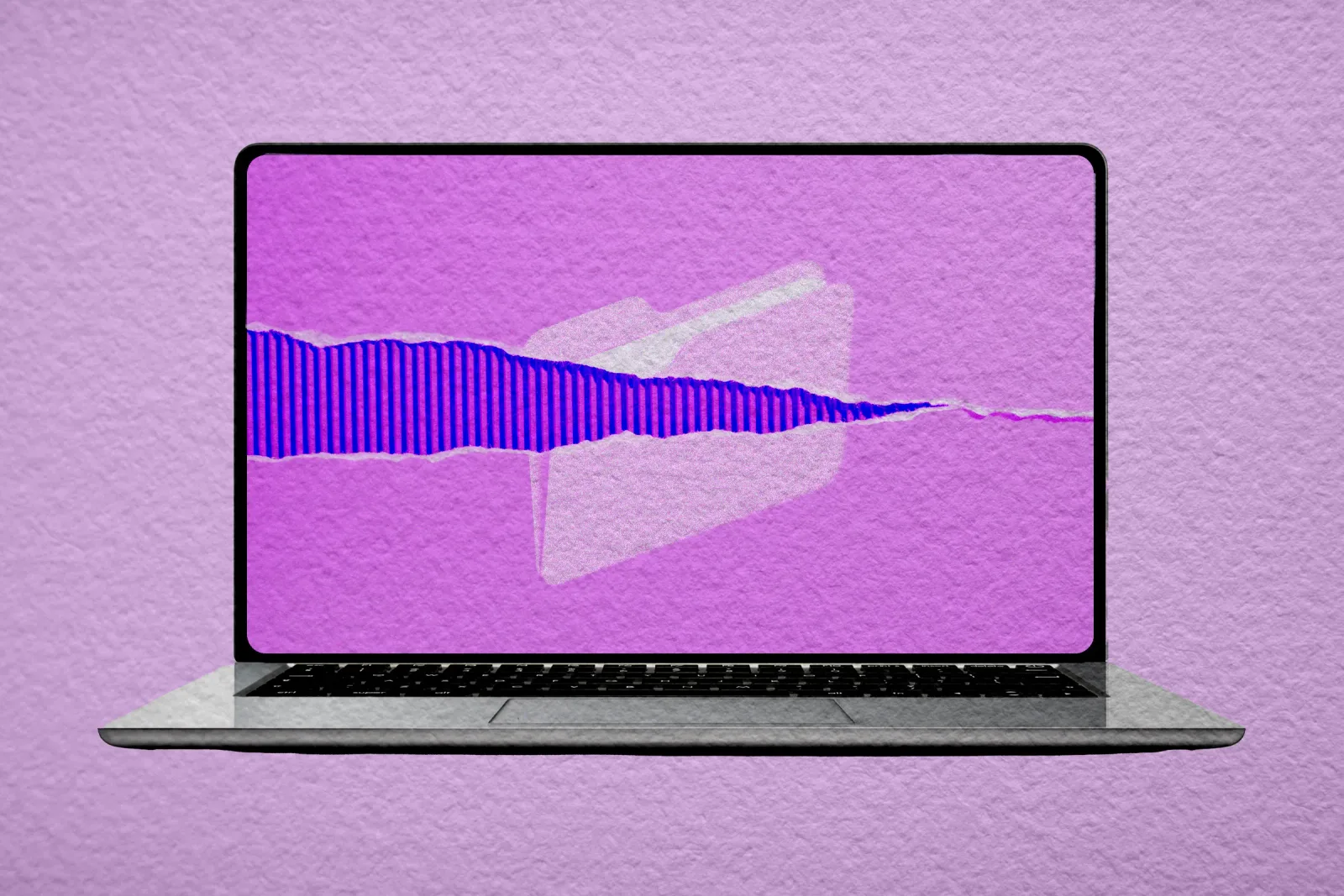
The digital workspace is undergoing a subtle but significant shift. We are moving past the era of pure minimalism and into a phase where digital interfaces are trying to borrow the tactile comfort of the physical world. According to recent reports, a new application called Paperman is leading this charge by overlaying a paper-like texture onto your laptop display. It is not just a visual filter. It is an attempt to bridge the gap between the sharp, backlit glare of modern screens and the soft, matte finish of traditional paper.
This approach targets a very specific pain point for knowledge workers. If you spend your day reading documents, writing code, or drafting emails, the constant exposure to high-contrast pixels can lead to digital eye strain. Paperman aims to soften that experience by adding grain and texture. The developers claim this makes the screen easier on the eyes, particularly for tasks that involve heavy text consumption. It is a simple concept, but one that addresses a genuine physiological discomfort many professionals face daily.
The implications here go beyond simple aesthetics. We are seeing a broader trend in software design where users are rejecting the sterile, clinical look of modern operating systems. There is a craving for warmth and familiarity in our digital tools. By mimicking the look of paper, Paperman taps into a psychological preference for analog media. It suggests that users are willing to adopt tools that make their digital environment feel more like a physical desk, even if that desk is entirely virtual.
This development also reflects a growing awareness of digital wellness. As AI and automation take over more cognitive tasks, the remaining work often involves deep focus and reading. The quality of the interface becomes a critical factor in maintaining that focus. Tools that reduce visual fatigue can directly impact productivity and long-term health. It is not just about looking good. It is about sustaining the ability to work for long hours without burning out.
However, we must consider the trade-offs. Adding textures and filters to a screen can sometimes reduce clarity or make it harder to read small details. The effectiveness of such tools often depends on individual preference and the specific hardware being used. Some users might find the texture distracting rather than soothing. This highlights the need for customizable options in future iterations of such software. The ideal solution would allow users to adjust the intensity of the effect to suit their specific visual needs.
The rise of apps like Paperman also signals a potential market for niche productivity tools. Instead of competing with massive operating systems, these apps offer specialized features that address specific user complaints. This is a smart strategy in a crowded tech landscape. By focusing on a single pain point like eye strain, developers can carve out a loyal user base. It shows that there is still room for innovation in the peripheral tools that support our main workflows.
What this means for you is that you should pay attention to how your digital environment affects your physical well-being. If you find yourself squinting or feeling tired after long coding or writing sessions, it might be worth experimenting with visual adjustments. You do not need to buy new hardware to start. You can try adjusting your display settings or using software filters to reduce blue light and contrast.
Here is a practical workflow idea to test this concept. Open your favorite text editor or document viewer. Then, use an AI assistant to generate a custom CSS style sheet that adds a subtle grain overlay and reduces the contrast of the text. You can ask the AI to create a style that mimics the look of aged paper. Apply this style to your browser or app if it supports custom themes. This allows you to test the effect without installing new software. It is a low-risk way to see if a paper-like interface helps you focus better during your next writing session.
Reporting basis: original story
← back to The Wire