the wire · #gadgets · 2026-10-25
Touchscreen OLED MacBook Pro launches this week, here's how the lineup will look
Cech Tech Reviews
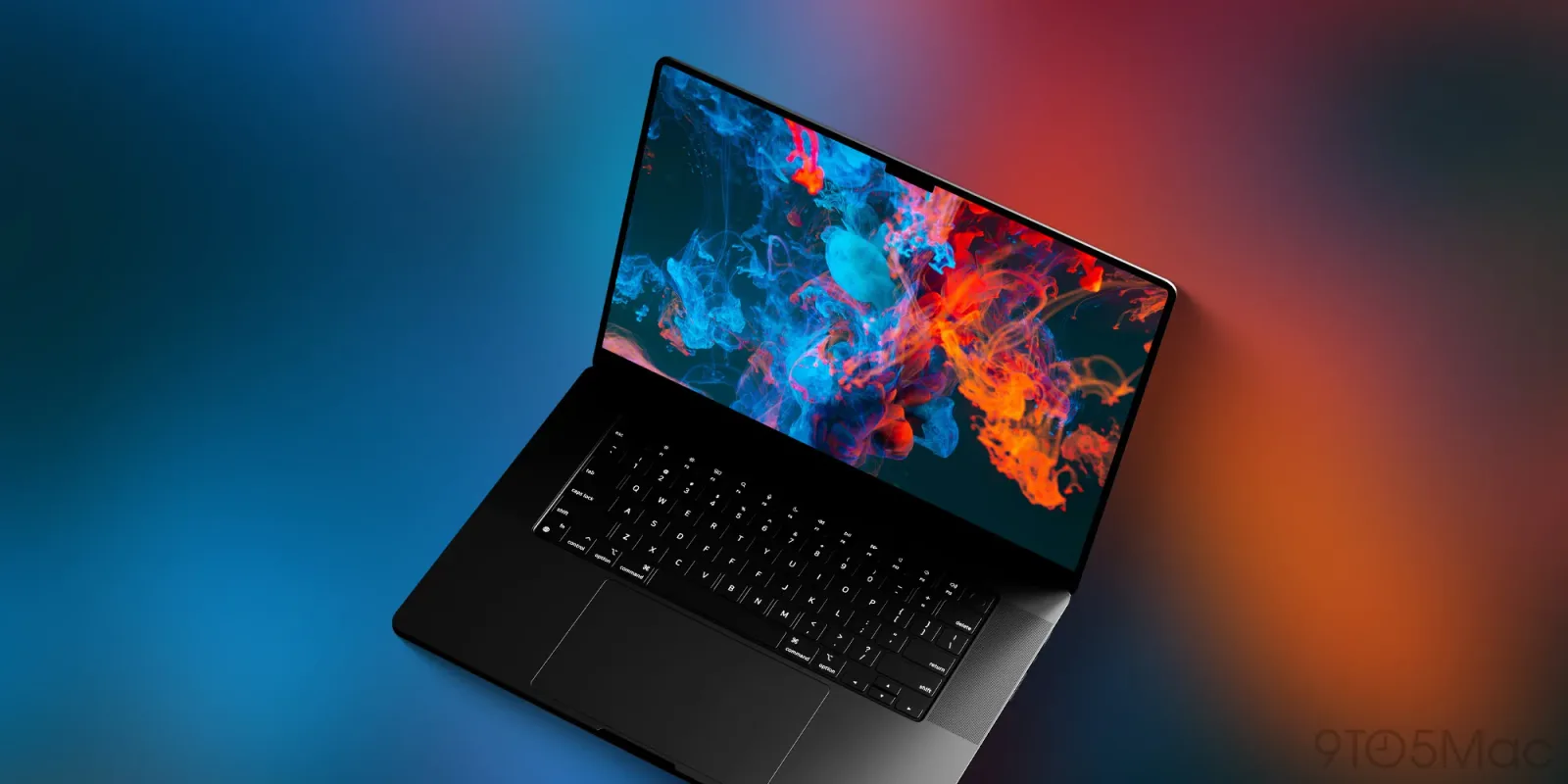
Apple is preparing to make a historic pivot in its hardware strategy by introducing the first ever touchscreen MacBook Pro. According to recent reports, this launch is happening this week, marking the end of a decades-long commitment to keeping touch interfaces off of laptops. For years, the company maintained that trackpads and keyboards offered a superior experience for creative professionals, but the market dynamics appear to have shifted enough to warrant a change.
The introduction of OLED displays with touch capabilities suggests that Apple sees value in merging the tactile immediacy of an iPad with the processing power of a MacBook. This is not just a minor spec bump. It represents a fundamental rethinking of the laptop form factor. We are moving away from the rigid separation of input methods toward a more fluid, hybrid interaction model that prioritizes direct manipulation over indirect pointer control.
However, this innovation comes with a significant cost. Early indications suggest that the new MacBook Pro lineup will carry a steep premium. This pricing strategy is likely aimed at early adopters and high-end professionals who are willing to pay for cutting edge features. It also serves as a testing ground for Apple to gauge consumer reaction to touch enabled laptops before potentially rolling out similar features across other product lines.
From an AI perspective, this hardware change is particularly interesting. Touchscreens enable more natural gestures that can be leveraged by intelligent assistants and creative software. Imagine using hand gestures to navigate complex 3D models or to trigger specific AI workflows without ever touching a keyboard. This hardware shift could unlock new paradigms for human computer interaction that are currently limited by traditional input devices.
The broader implication here is that the boundary between tablets and laptops is becoming increasingly blurred. As touchscreens become standard on high performance machines, the distinction between a device for consumption and a device for creation becomes less clear. This convergence allows for more versatile workflows where a professional can switch between typing code and sketching ideas on the same screen without changing devices.
For developers and designers, this means new opportunities to optimize interfaces for direct touch. It is no longer enough to design for mouse and keyboard alone. Applications must now account for finger navigation, pinch to zoom, and swipe gestures. This opens up a new frontier for UI design that prioritizes accessibility and intuitive control over traditional desktop conventions.
What this means for you is that the way you interact with your computer is about to become more physical and immediate. If you are a creative professional, you might find value in the direct control a touchscreen offers for digital art or video editing. To get ahead of this curve, try using your current AI assistant to generate a list of touch optimized workflow tips for your favorite creative software. Ask it to suggest three gestures that could speed up your daily tasks and how to map them to your new hardware once it arrives.
Reporting basis: original story
← back to The Wire