the wire · #topnews · 2026-10-24
9 Unique Apps to Try on the iPhone Duo
Cech Tech Reviews
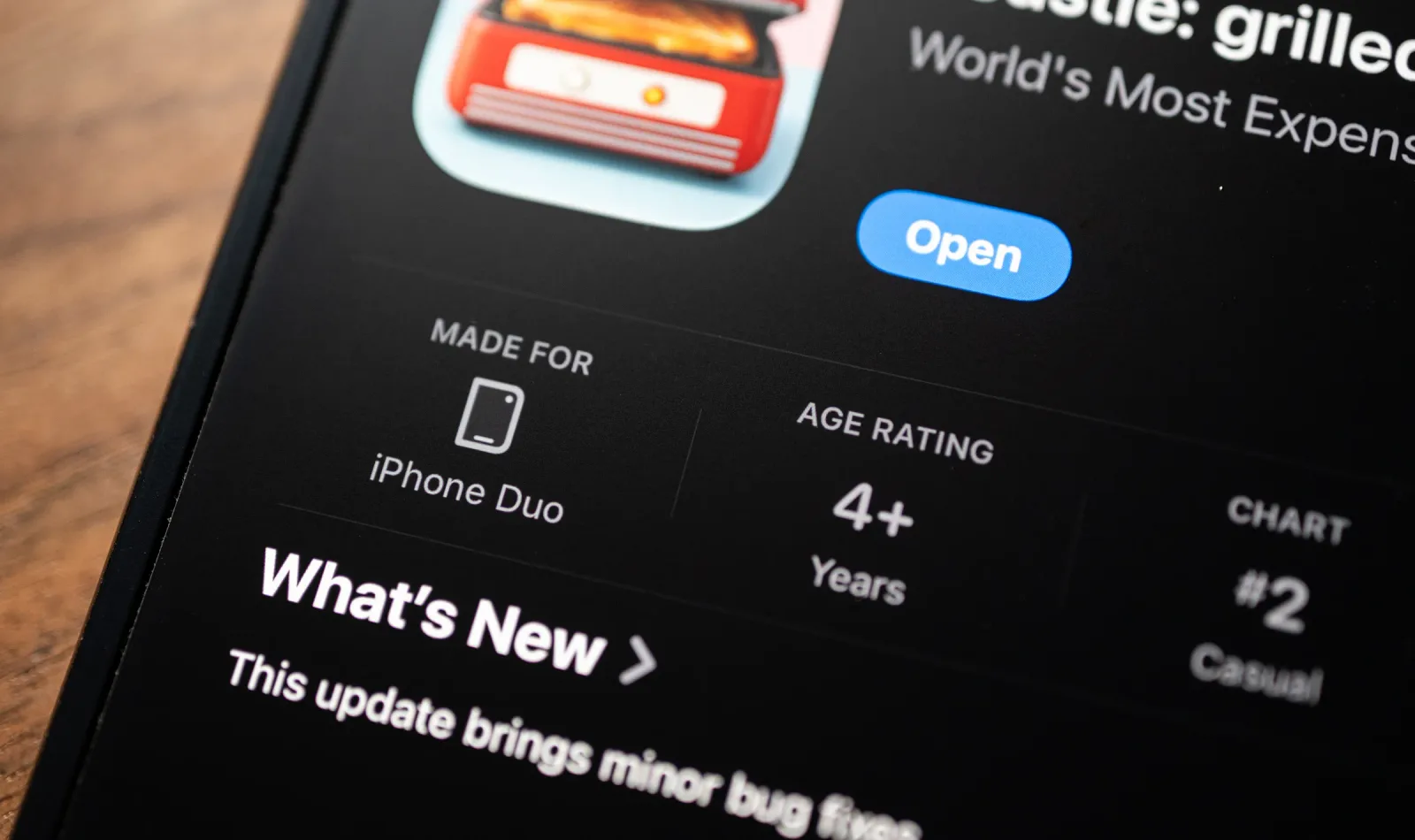
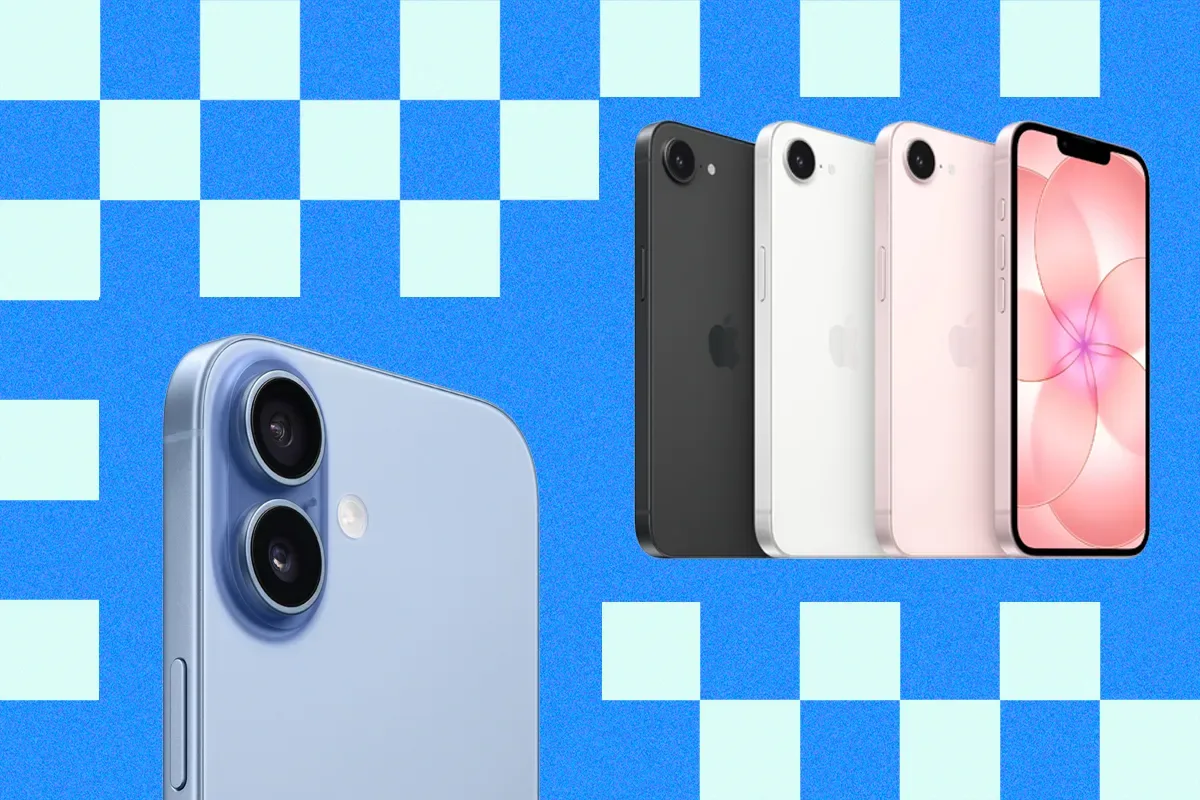
Apple has officially entered the foldable market with the iPhone Duo, and the immediate reaction from the developer community is nothing short of electrifying. According to recent reports, indie creators are already racing to build applications that specifically exploit the device's dual-screen architecture and mechanical hinge. This is not just about making apps look different. It is about rethinking user interaction models entirely.
The most exciting trend emerging from this initial wave is the shift toward spatial computing on a pocket-sized scale. Developers are moving beyond simple screen mirroring or split-view layouts. They are designing workflows that treat the hinge as a functional boundary rather than a physical limitation. This approach allows for multitasking scenarios that feel native to the hardware rather than bolted on.
One standout category involves creative tools that utilize the fold as a canvas divider. Imagine a digital sketchbook where the left screen serves as a reference library while the right screen acts as the active drawing area. When you fold the device, the app could automatically save the current state or transition into a presentation mode. This kind of context-aware behavior is what separates gimmicky apps from genuinely useful ones.
Another intriguing development is in the realm of media consumption. Some indie developers are experimenting with immersive video players that wrap content around the hinge. This creates a panoramic viewing experience that adapts dynamically as the user opens or closes the device. It transforms passive watching into an interactive event, adding a layer of engagement that flat screens simply cannot replicate.
Productivity apps are also seeing a renaissance with this form factor. The ability to have a persistent status bar on one half while working on the other allows for seamless context switching. For professionals, this means keeping an eye on notifications or calendar events without interrupting deep work. It is a subtle but powerful shift in how we manage digital attention spans.
However, the real challenge for these developers lies in consistency. Ensuring that the user experience remains smooth across different fold angles requires sophisticated sensor integration. The best apps will likely use the hinge angle to trigger specific UI states. This level of polish will set the standard for what users expect from future foldable devices across the industry.
What this means for you: As an AI professional, you should start experimenting with multi-panel workflows today. Even on current devices, you can simulate this by using split-screen features with your AI assistants. Try this prompt to optimize your workflow: "Analyze this document and create a summary for the left panel while keeping the full text accessible on the right. Suggest three follow-up questions based on the key findings." This practice will prepare you for the spatial computing era.
Reporting basis: original story
← back to The Wire