the wire · #topnews · 2026-10-22
The Google Home Speaker Has Been Secretly Eating My Wi-Fi Data
Cech Tech Reviews
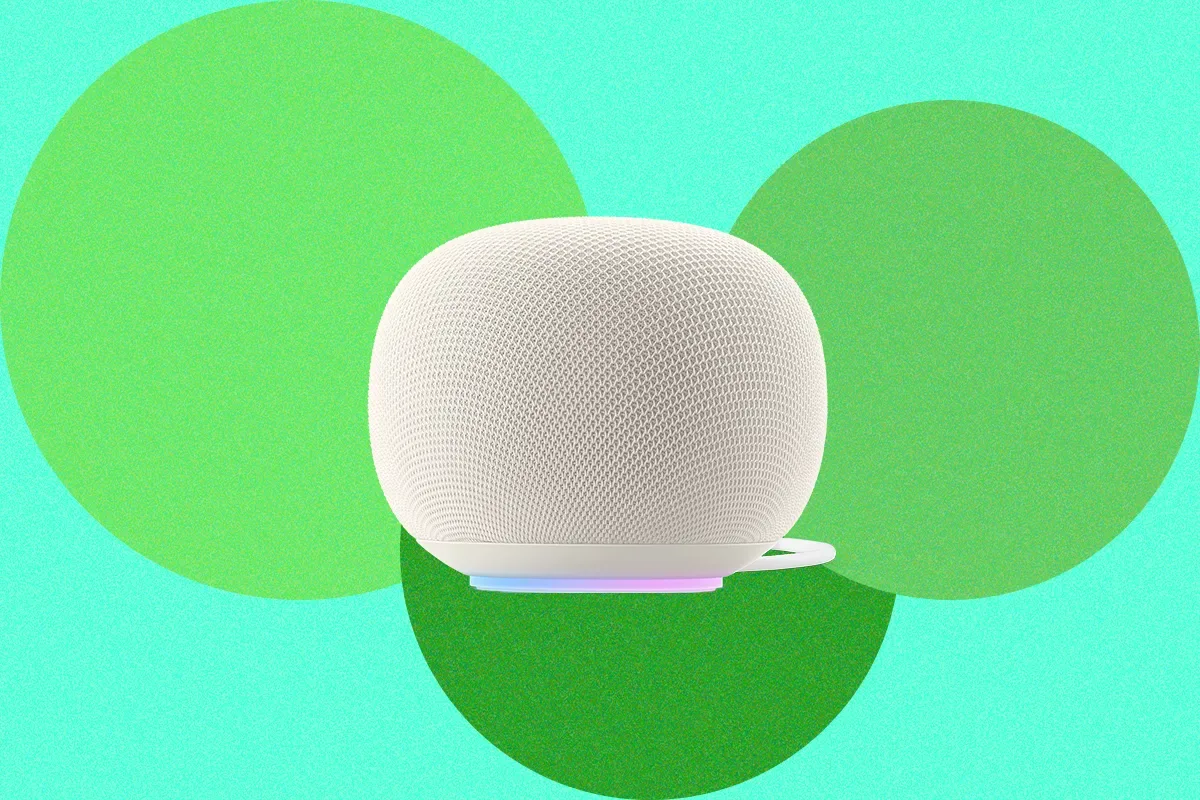
According to a recent report from The Verge, the humble Google Home speaker has been quietly devouring Wi-Fi data at an alarming rate. The writer discovered that their smart speaker was using more data than all other devices in the household combined. This is not just a minor glitch but a significant pattern of background consumption that most users never notice until their bill arrives.
The issue extends beyond just one device. The investigation revealed that other smart home gadgets are guilty of similar data hoarding behaviors. These devices often operate in the shadows, performing constant checks and updates without user intervention. This silent accumulation of data usage poses a serious problem for those with capped internet plans or limited bandwidth.
From an AI perspective, this behavior is likely tied to the constant processing required for voice recognition and cloud-based AI tasks. Smart speakers need to maintain a persistent connection to listen for wake words and process commands. However, the current implementation seems inefficient, leading to excessive data transfer that serves little practical purpose for the average user.
This trend reflects a broader issue in the Internet of Things ecosystem. As more devices become AI-enabled, they require more data to function effectively. Yet, manufacturers often prioritize functionality over efficiency. This creates a friction point for consumers who are increasingly aware of their digital footprint and data costs.
The lack of transparency in these devices is concerning. Users are rarely informed about how much data their smart home ecosystem is consuming. This opacity prevents users from making informed decisions about their network usage. It also makes troubleshooting difficult when performance issues arise due to bandwidth saturation.
What this means for you: If you rely on smart home devices for your daily workflow, you need to monitor your network usage closely. Consider setting up data caps or alerts on your router to prevent unexpected overages. You can also try using a prompt like this with your AI assistant to analyze your network logs: "Analyze my recent Wi-Fi usage logs and identify any devices consuming more than 5GB of data per month. Suggest steps to reduce their background activity without losing core functionality." This proactive approach can help you maintain control over your digital environment.
Reporting basis: original story
← back to The Wire