the wire · #gadgets · 2026-10-29
Apple seems to have the right approach to the first touchscreen Mac
Cech Tech Reviews
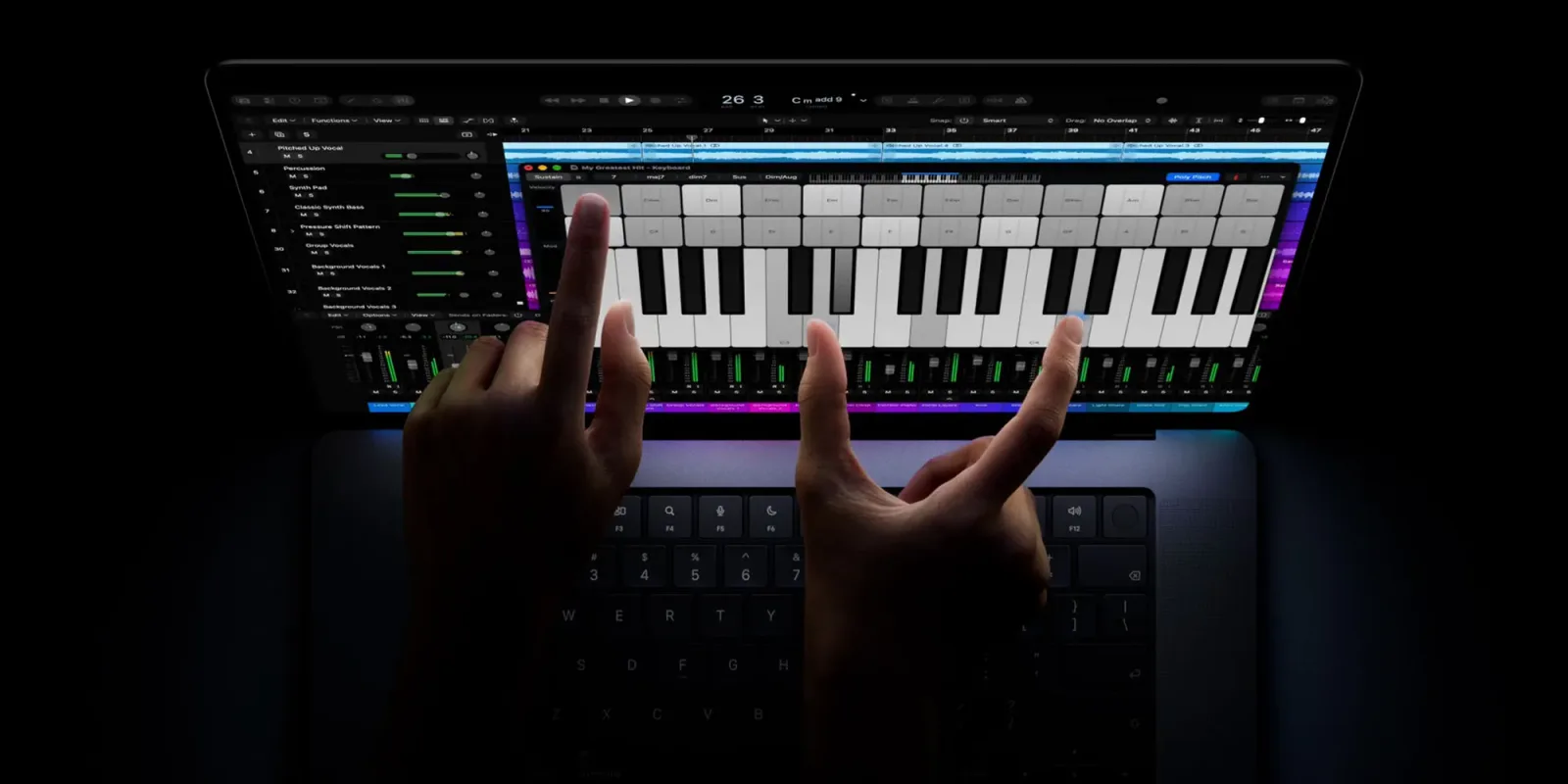
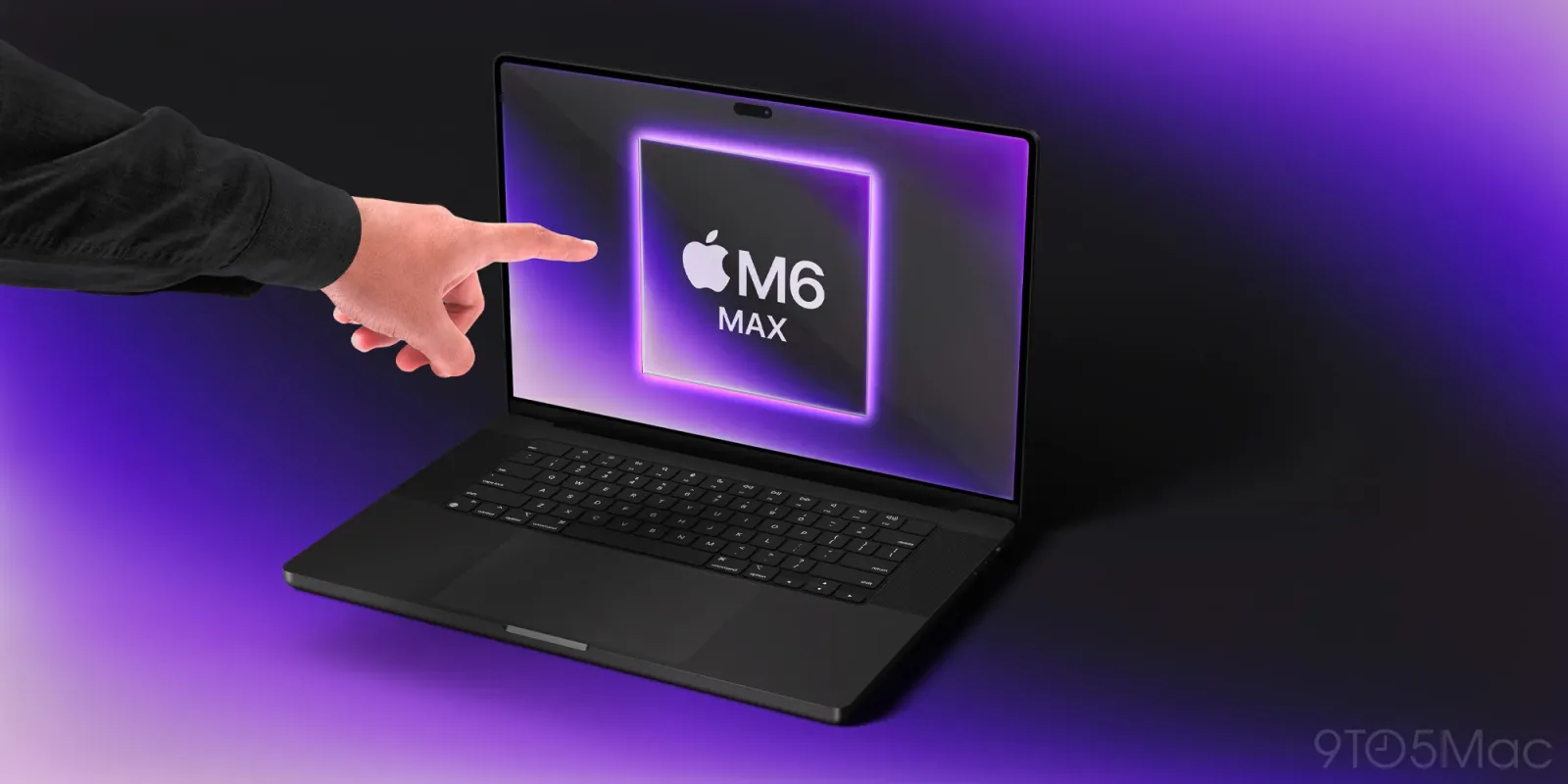
Apple has officially launched the first touchscreen Mac, a decision that stands in stark contrast to Steve Jobs’ famous 2010 dismissal of the technology. Jobs argued that touch interfaces were great for demos but ergonomically terrible for real-world use. This new product represents a significant U-turn for the company, challenging long-held beliefs about how we interact with desktop computers.
According to recent reporting, the company’s counterargument after sixteen years makes more sense than ever. The landscape of personal computing has shifted dramatically since the early days of the iPhone. Users now expect seamless integration between devices and interfaces that adapt to their specific workflows rather than forcing a rigid paradigm.
This move aligns with Apple’s broader strategy of blending hardware and software in ways that enhance productivity. The introduction of touch capabilities on a Mac is not just about adding a new input method. It is about creating a more intuitive bridge between the physical and digital worlds, especially as AI tools become more embedded in daily tasks.
The implications for AI enthusiasts are particularly interesting. Touch interfaces can streamline interactions with complex AI models and data visualizations. Being able to swipe, pinch, and tap directly on large displays can make exploring large datasets or adjusting AI parameters feel more natural and less cumbersome than using a mouse and keyboard alone.
For professionals, this hybrid approach offers flexibility that traditional desktops lack. You can switch between precise keyboard typing for coding or writing and direct touch manipulation for design or presentation. This duality supports the modern worker who needs to toggle between deep focus tasks and collaborative, visual brainstorming sessions.
Apple’s decision also reflects a growing trend in the tech industry toward multimodal input. As AI becomes more capable of understanding context and intent, interfaces that support multiple forms of input become more valuable. Touch, voice, and gesture controls can work together to create a more fluid and responsive computing experience.
What this means for you: If you work with AI tools that involve visual data or complex interfaces, consider how touch input might accelerate your workflow. Try using a touch-enabled monitor with your current AI assistant to navigate large documents or adjust settings. This simple change can make interacting with AI more intuitive and less reliant on traditional mouse movements.
Ready-to-use prompt: Ask your AI assistant to summarize a long report and suggest visual layout changes. Then, use touch gestures on your screen to rearrange the suggested sections. This hybrid approach combines AI analysis with tactile control for faster decision-making.
Reporting basis: original story
← back to The Wire