the wire · #gadgets · 2026-07-14
Canva Code 2.0 adds visual editing, HTML imports, and real-time collaboration
Cech Tech Reviews
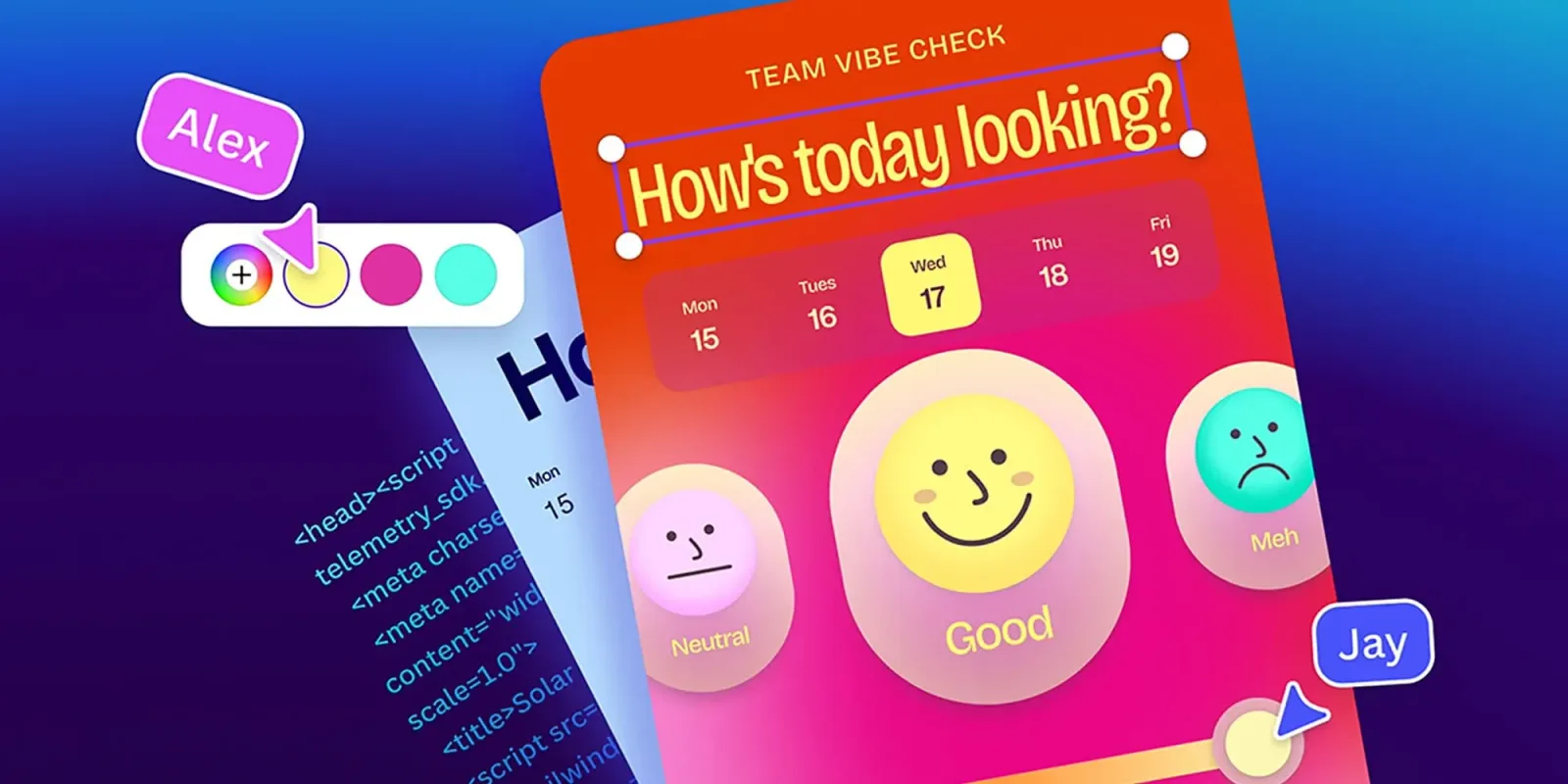
Canva has officially launched Canva Code 2.0, a significant upgrade to its AI-powered vibe coding platform. According to recent reports, this new version is designed to let users build and visually edit websites, apps, and interactive experiences without needing deep coding expertise. The core promise here is lowering the barrier to entry for digital creation.
The most notable addition is the introduction of visual editing capabilities. This means users can manipulate elements on a page directly, much like they do in Canva’s graphic design tools. It bridges the gap between static design and functional code, allowing for a more intuitive development process. You can see the structure of your site while you build it.
Another key feature is the ability to import existing HTML. This is a smart move for users who already have some code or templates. It allows them to bring their current assets into the Canva ecosystem and enhance them with AI tools. This reduces the friction of switching platforms and encourages adoption among those with some technical background.
Real-time collaboration is also now supported. Multiple users can work on the same project simultaneously, which is essential for teams. This feature transforms Canva Code from a solo tool into a collaborative workspace. It mirrors the teamwork features that made Canva popular in the design world.
This update reflects a broader trend in the tech industry. We are seeing a rise in low-code and no-code platforms that leverage AI to simplify complex tasks. Companies are trying to empower non-technical employees to build their own solutions. This reduces the burden on engineering teams and speeds up innovation.
For AI enthusiasts, this represents a shift in how we think about coding. It is no longer just about writing syntax. It is about guiding an AI to produce the desired outcome through visual and natural language inputs. The line between designer and developer is becoming increasingly blurred.
What this means for you: If you are a marketer or entrepreneur who needs to create landing pages or simple apps, you can now do so without hiring a developer. Try using an AI assistant to generate a prompt for Canva Code 2.0 that describes a specific user flow. For example, ask it to create a registration form with social login options and then use the visual editor to adjust the layout. This workflow can save you hours of development time.
Reporting basis: original story
← back to The Wire