the wire · #gadgets · 2026-07-23
Do we need to worry about burn-in as Macs transition to OLED screens?
Cech Tech Reviews
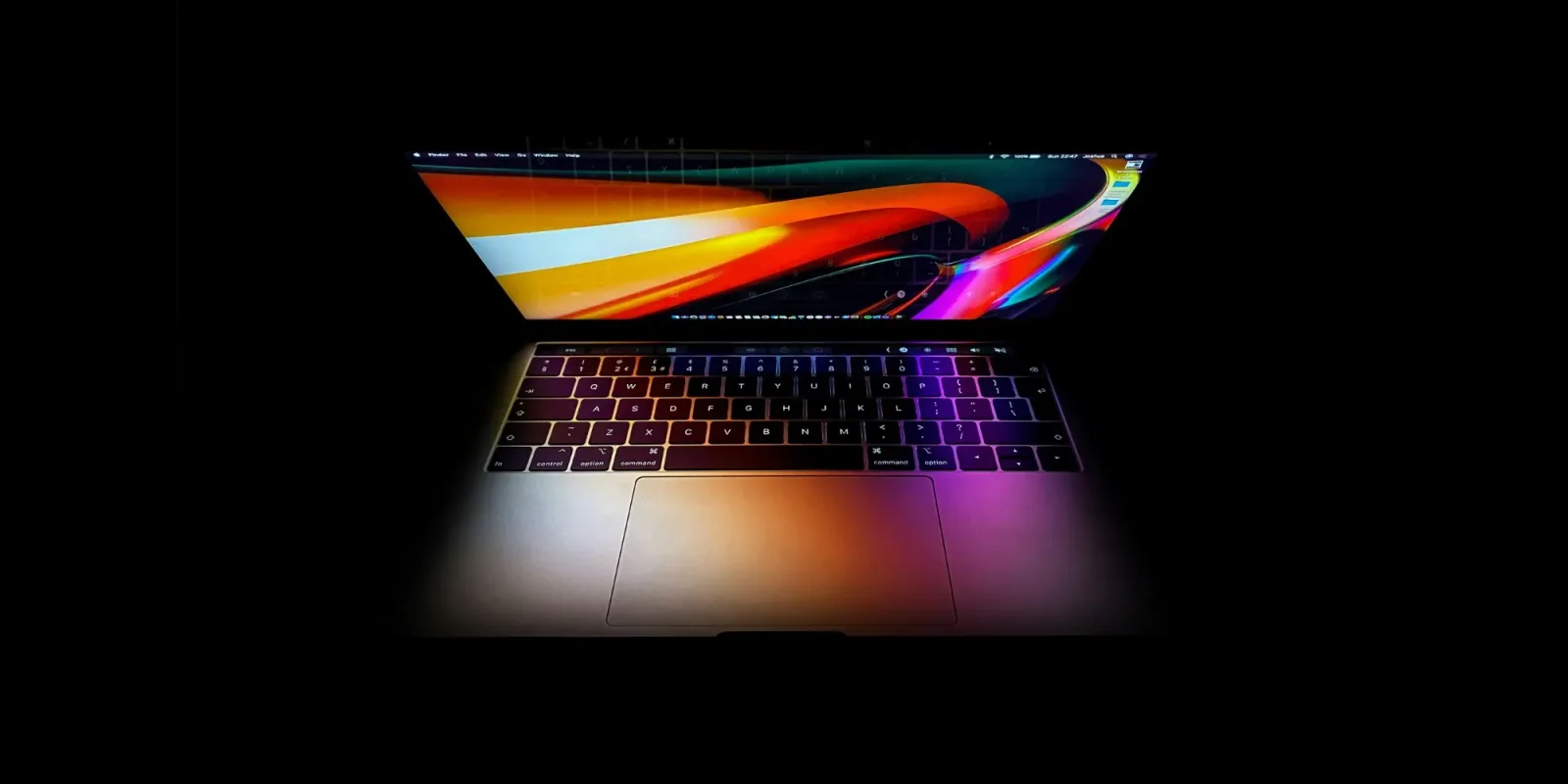
Apple has long held a reputation for crafting some of the finest display technology in the consumer electronics space. Their journey from standard LCDs to Retina displays and later mini-LED backlighting set a high bar for visual fidelity. According to recent industry analysis, this legacy of excellence is why the company moved so deliberately toward OLED technology. They did not rush into it, preferring to perfect the transition through their wearables and mobile devices first.
The phased adoption strategy is now reaching its next major milestone with the MacBook Pro. Apple introduced OLED to the Apple Watch, followed by iPhones and iPads, creating a robust ecosystem of experience with the technology. Now, the laptop line is finally catching up to this standard. This move signals that Apple believes OLED is mature enough for the demanding environment of professional computing.
However, this transition brings a specific technical anxiety to the forefront. Burn-in, or image retention, has historically been the Achilles heel of OLED panels. Unlike LCDs which use a constant backlight, OLED pixels emit their own light. Static elements like toolbars, menus, and dock icons can cause certain pixels to degrade faster than others over time. This creates a ghost image that remains visible even when the screen displays different content.
For professionals who rely on their MacBooks for long hours of coding, writing, or design work, this is a genuine concern. The static nature of many productivity applications exacerbates the risk. While modern OLEDs have improved significantly with pixel shifting and brightness limiting, the fundamental physics of the technology remain. Users must now be more vigilant about screen management than ever before.
This shift also reflects a broader industry trend where manufacturers prioritize contrast and color accuracy over longevity. OLED offers infinite contrast ratios and deeper blacks that LCDs simply cannot match. For creative professionals, this visual upgrade is often worth the potential trade-off in screen lifespan. It represents a compromise between immediate aesthetic pleasure and long-term hardware durability.
The real question is whether Apple’s software optimizations will mitigate these hardware limitations effectively. Given their control over both the silicon and the operating system, they are uniquely positioned to implement aggressive anti-burn-in measures. Features like automatic brightness adjustment and subtle pixel displacement could make burn-in a non-issue for the average user. Yet, the risk is never entirely eliminated.
What this means for you is that you need to adjust your workflow to protect your investment. If you are waiting for the next MacBook Pro with an OLED display, consider adopting habits that minimize static image retention. Use dark mode extensively, enable automatic screen dimming, and vary your window positions when possible. Here is a practical workflow idea to try immediately. Set up a script or use an app like DisplayCal to periodically shift your UI elements by a few pixels every hour. This simple habit can significantly extend the life of your OLED screen and keep your workspace looking pristine for years to come.
Reporting basis: original story
← back to The Wire