the wire · #gadgets · 2026-11-19
iOS 27 gave AirPods Pro a convenient new setting, here's how to use it
Cech Tech Reviews
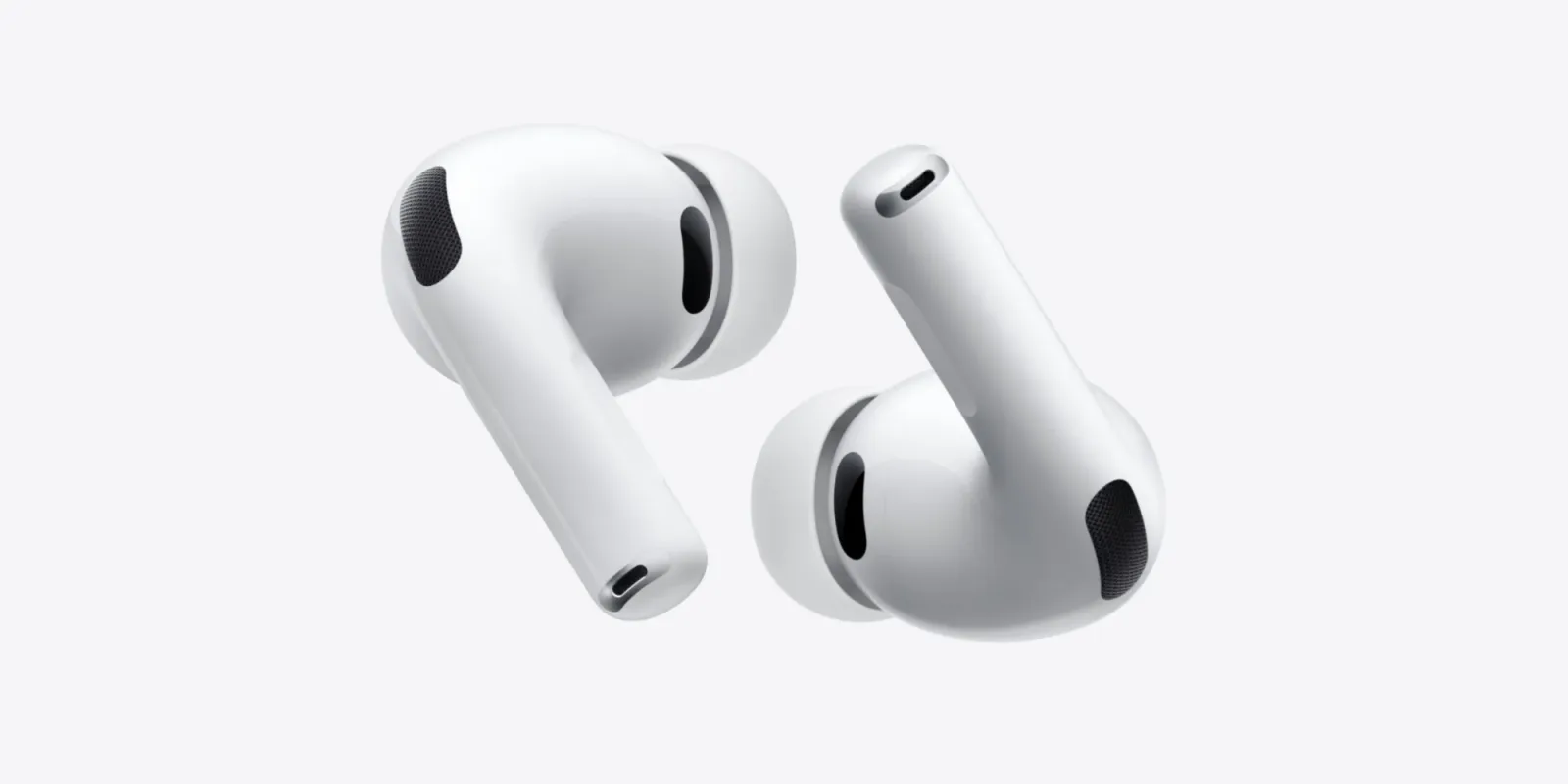
Apple has quietly rolled out iOS 27, and while the headline features often steal the show, the real value for power users might lie in a much smaller interface tweak. According to recent reports, this update adds a convenient new setting directly in the Control Center for AirPods Pro users. It is easy to miss because it does not change the core functionality of the headphones. Instead, it changes how quickly you can access that functionality.
The specific feature in question is a direct toggle for Adaptive Audio. For those unfamiliar, Adaptive Audio is Apple’s smart mode that dynamically adjusts noise control based on your environment. It blends active noise cancellation with transparency mode to let in important sounds like voices or announcements while blocking out constant background noise. Previously, accessing this required navigating through the Bluetooth settings or the dedicated AirPods menu in Settings.
This new Control Center integration removes those friction points. You can now switch between Adaptive Audio, Noise Cancellation, and Transparency with a single tap from your lock screen or home screen. This is a significant quality of life improvement for professionals who switch contexts frequently. You might be in a noisy coffee shop needing focus and then step outside to take a call where situational awareness is critical.
The implication here is that Apple is shifting its focus from adding new hardware sensors to refining the software experience. By placing Adaptive Audio front and center, they are encouraging users to rely on this intelligent mode rather than static settings. This aligns with the broader industry trend where AI-driven environmental awareness becomes a standard feature in consumer electronics. The device is no longer just playing audio. It is actively interpreting the space around you.
For AI enthusiasts and tech professionals, this highlights the importance of context-aware computing. The value is not in the noise cancellation itself. It is in the seamless integration of that feature into your daily workflow. When you do not have to think about adjusting your audio settings, you can stay in your flow state longer. This reduces cognitive load and allows you to focus on the task at hand rather than the tool you are using.
What this means for you is that you should stop treating your AirPods as simple passive speakers. They are active participants in your digital environment. To get the most out of iOS 27, take a moment to customize your Control Center. Add the Adaptive Audio toggle and test it in different environments. Notice how the transition feels compared to manual adjustments. You can also try using this feature during video calls to ensure you hear your colleagues clearly while filtering out household distractions. This small tweak can make a big difference in your daily productivity.
Reporting basis: original story
← back to The Wire