the wire · #ai · 2026-08-13
Microsoft is combining its Copilot apps ahead of a ‘super app’
Cech Tech Reviews
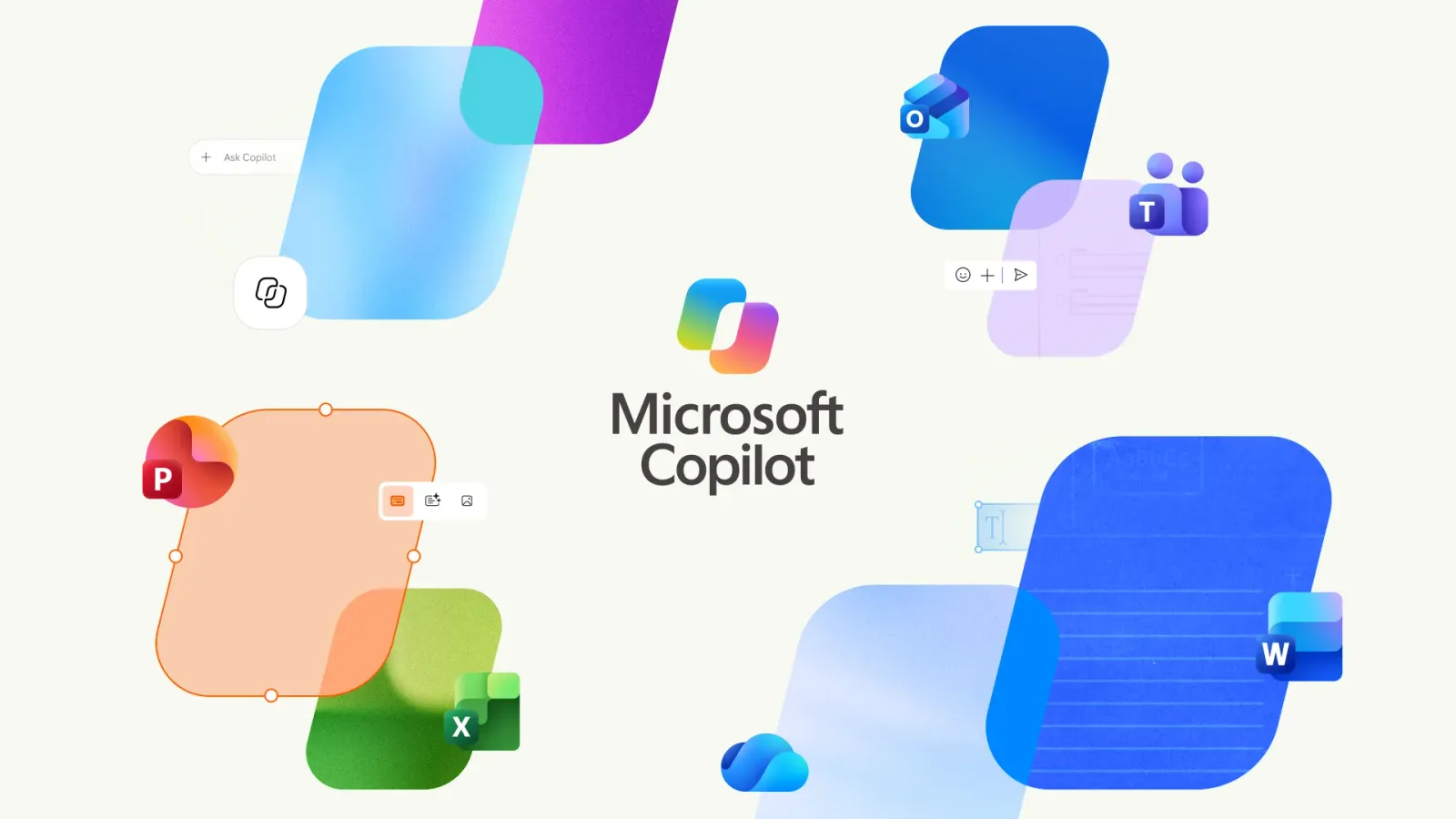
Microsoft is taking a significant step toward unifying its artificial intelligence ecosystem by merging its consumer and commercial Copilot applications. According to reporting from The Verge, the company is beginning to combine the standalone Copilot app with Microsoft 365 Copilot into a single interface. This move effectively creates what can be described as a super app for AI interactions, consolidating two previously distinct entry points into one cohesive experience.
For users who have navigated the Windows taskbar recently, this change will feel like a relief. The dual icon situation has been a minor but persistent annoyance for many professionals who juggle personal and work accounts. By recycling the Microsoft Copilot name with an updated icon, the company is clearly signaling that the distinction between personal and professional AI assistance is becoming less relevant to the end user.
The new unified app promises to blend the best features of both worlds. Microsoft states that the updated interface combines the ease of Copilot chat and image creation with the powerful productivity tools of Microsoft 365. This suggests that the boundary between casual AI exploration and serious enterprise work is dissolving. Users will no longer need to toggle between contexts to access different capabilities.
From a strategic perspective, this consolidation reflects Microsoft's broader vision of AI as a ubiquitous layer across all software. Rather than treating Copilot as a separate product line for consumers and another for enterprises, they are treating it as a single identity. This approach reduces friction and encourages users to rely on the assistant for a wider variety of tasks, regardless of their account type.
The implications for workflow efficiency are substantial. When personal and professional tools are separated, users often develop fragmented habits. They might use one assistant for brainstorming and another for drafting documents. Merging these tools encourages a more holistic approach to productivity. It allows the AI to potentially leverage context from both areas of your life to provide more relevant assistance.
However, this integration also raises interesting questions about data privacy and context management. While the interface is unified, the underlying data silos between personal and corporate accounts must remain secure. Microsoft will need to ensure that the convenience of a single app does not come at the cost of clear boundaries for sensitive enterprise information. The success of this model will depend on how seamlessly they can maintain these security protocols.
What this means for you: As AI tools become more integrated into your daily workflow, you should expect fewer switches between different applications. To prepare, start experimenting with cross-context prompts that leverage both creative and analytical capabilities. Try using this prompt in your unified Copilot app to see how it handles complex, multi-step tasks that blend personal planning with professional drafting.
Prompt idea: Act as my personal productivity assistant. First, outline a three-day itinerary for a team offsite based on these preferences. Then, draft a professional email to the team announcing the dates and requesting availability. Finally, create a simple image concept for the event flyer.
Reporting basis: original story
← back to The Wire