the wire · #gadgets · 2026-09-15
Why watchOS 27 removes the useful multitasking feature on Apple Watch
Cech Tech Reviews
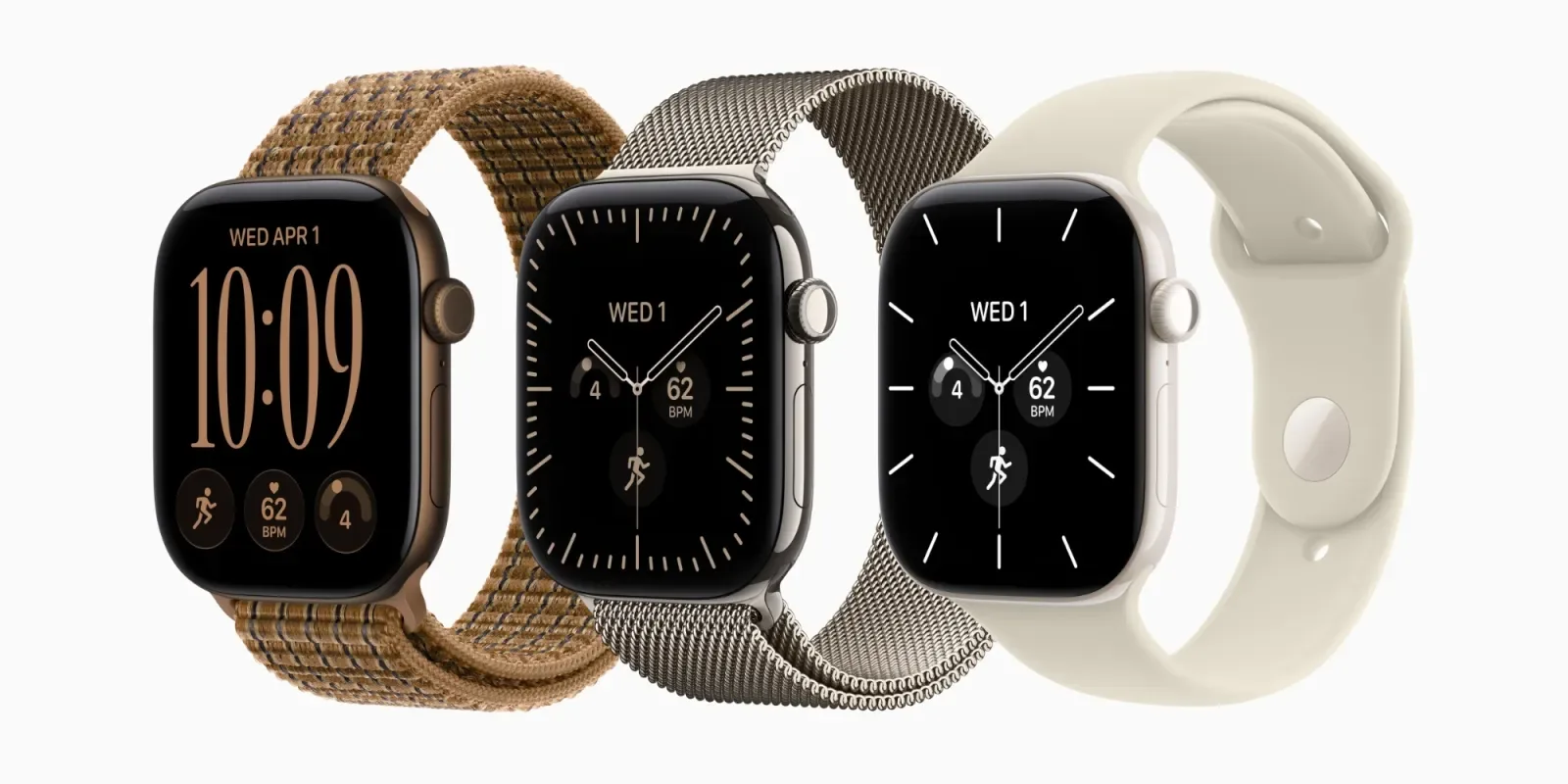
Apple has officially confirmed that watchOS 27 is removing a long-standing multitasking shortcut on the Apple Watch. This decision has sparked immediate debate among the tech community, particularly among users who relied on the gesture for quick app switching. The removal marks a significant shift in how Apple approaches interface design on its smallest device.
According to recent reports, the company is not just removing the feature arbitrarily. There is a specific rationale behind this change that touches on the core philosophy of wearable technology. Apple believes that simplifying the interaction model will reduce cognitive load for the average user. This aligns with their broader strategy of making devices feel more intuitive and less like mini-computers.
The gesture in question allowed for rapid navigation between recently used applications. For power users, this was a crucial efficiency tool that saved time during busy workflows. However, Apple argues that such shortcuts can clutter the user experience and lead to accidental activations. They want the watch to remain a focused tool for health and quick notifications rather than a general-purpose multitasking hub.
This move reflects a broader trend in the tech industry where simplicity is often prioritized over customization. Many manufacturers are stripping away complex menus and gestures to make their products more accessible. The goal is to reduce the learning curve and ensure that users can interact with their devices without consulting a manual. It is a bold move that may alienate some enthusiasts but could appeal to the mass market.
From an AI perspective, this simplification might actually pave the way for more intelligent automation. If the interface is less cluttered, AI assistants can take on more of the heavy lifting for task management. Instead of manually switching apps, users might rely on voice commands or predictive actions to get things done. This could make the watch a more proactive device rather than a reactive one.
The removal of this feature also highlights the tension between power users and mainstream consumers. While developers and tech enthusiasts often crave more control and flexibility, the majority of users prefer a streamlined experience. Apple has consistently shown that they are willing to make controversial decisions if they believe it will improve the overall product. This could set a precedent for future updates across their entire ecosystem.
What this means for you is that you may need to adapt your workflow if you rely on the Apple Watch for complex tasks. Consider integrating your watch more closely with your iPhone or Mac to handle multitasking. You can also explore using Siri for quick app launches instead of manual gestures. Try this prompt with your AI assistant to optimize your daily routine: "Create a list of the top five apps I use on my Apple Watch and suggest voice commands to launch them quickly without using the multitasking gesture." This will help you stay efficient even as the interface changes.
Reporting basis: original story
← back to The Wire
![This unique retro dock adds a flip-up display, Thunderbolt 5, & 8TB storage to your Mac [Video]](https://aideaflow.com/api/img/news/09ee6cfaa15f316e.webp)