the wire · #ai · 2026-11-20
Gemini on Mac can now use your computer
Cech Tech Reviews
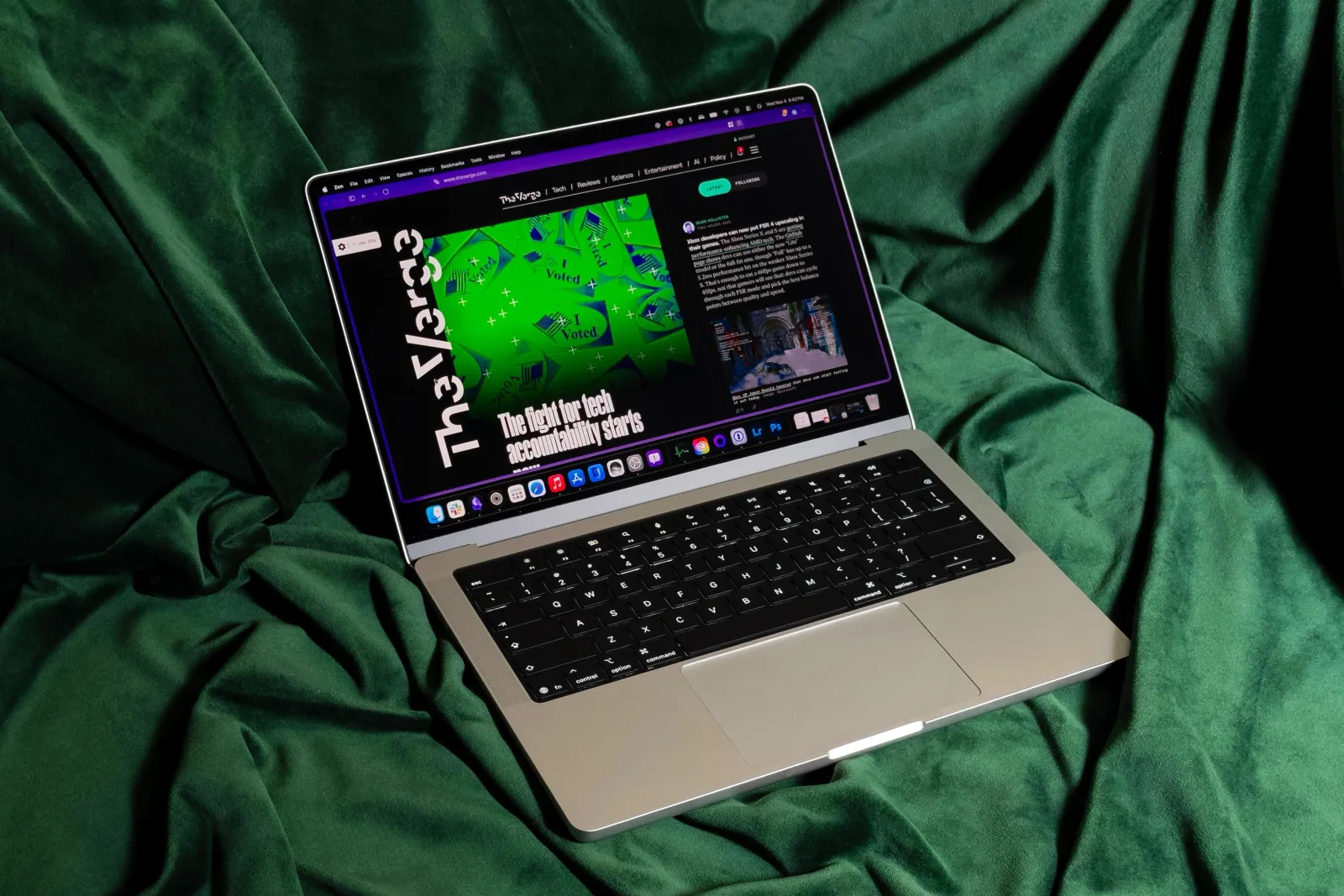
Google is taking a bold step toward autonomous desktop agents with the new computer use feature for Gemini on macOS. According to The Verge, this update allows the AI to interact directly with your local files, desktop applications, and web browsers. It is no longer just a chat interface but a tool that can execute tasks across your entire digital environment.
The practical applications here are substantial for anyone looking to streamline repetitive work. Google highlights use cases like filling out complex forms, creating presentations, or even listing items for sale online. These are not simple queries but multi-step processes that traditionally require manual switching between apps and windows.
What makes this particularly interesting is the level of control users retain. You can decide exactly which applications Gemini is allowed to access. This granular permission system addresses some of the immediate security concerns that come with giving an AI direct control over your software. It is a necessary step for enterprise adoption and cautious individual users.
Transparency is also built into the experience. Gemini operates in its own background window that provides a live preview of its actions within the chat interface. This means you are not blindly trusting the AI to do its work. You can watch it navigate menus and click buttons in real time, which adds a layer of accountability to the automation.
This rollout is currently limited to English-speaking users in the United States. However, the timing is strategic. Google is introducing this capability just before Apple is expected to unveil its own major AI initiatives. It is a clear signal that the race for desktop AI integration is heating up, and Google wants to establish a foothold in the macOS ecosystem first.
The broader implication is the blurring line between search, chat, and execution. We are moving away from AI as a passive information provider to an active participant in your daily workflow. This shift requires a new set of skills for professionals who need to manage and audit AI actions rather than just prompt them.
What this means for you If you rely on repetitive digital tasks, this feature could save you hours of manual clicking. Start by giving Gemini access to only one specific app, like your email client, and ask it to draft responses based on a template. Watch the live preview closely to understand how it interprets your instructions before expanding its permissions.
Try this prompt: "Open my calendar app and find the next free hour. Draft a meeting invite for that time with the title 'Weekly Sync' and send it to my default contact list. Show me the draft before sending."
Reporting basis: original story
← back to The Wire