the wire · #ai · 2026-11-20
Signal is blocking Gemini and Siri AI from reading your screen
Cech Tech Reviews
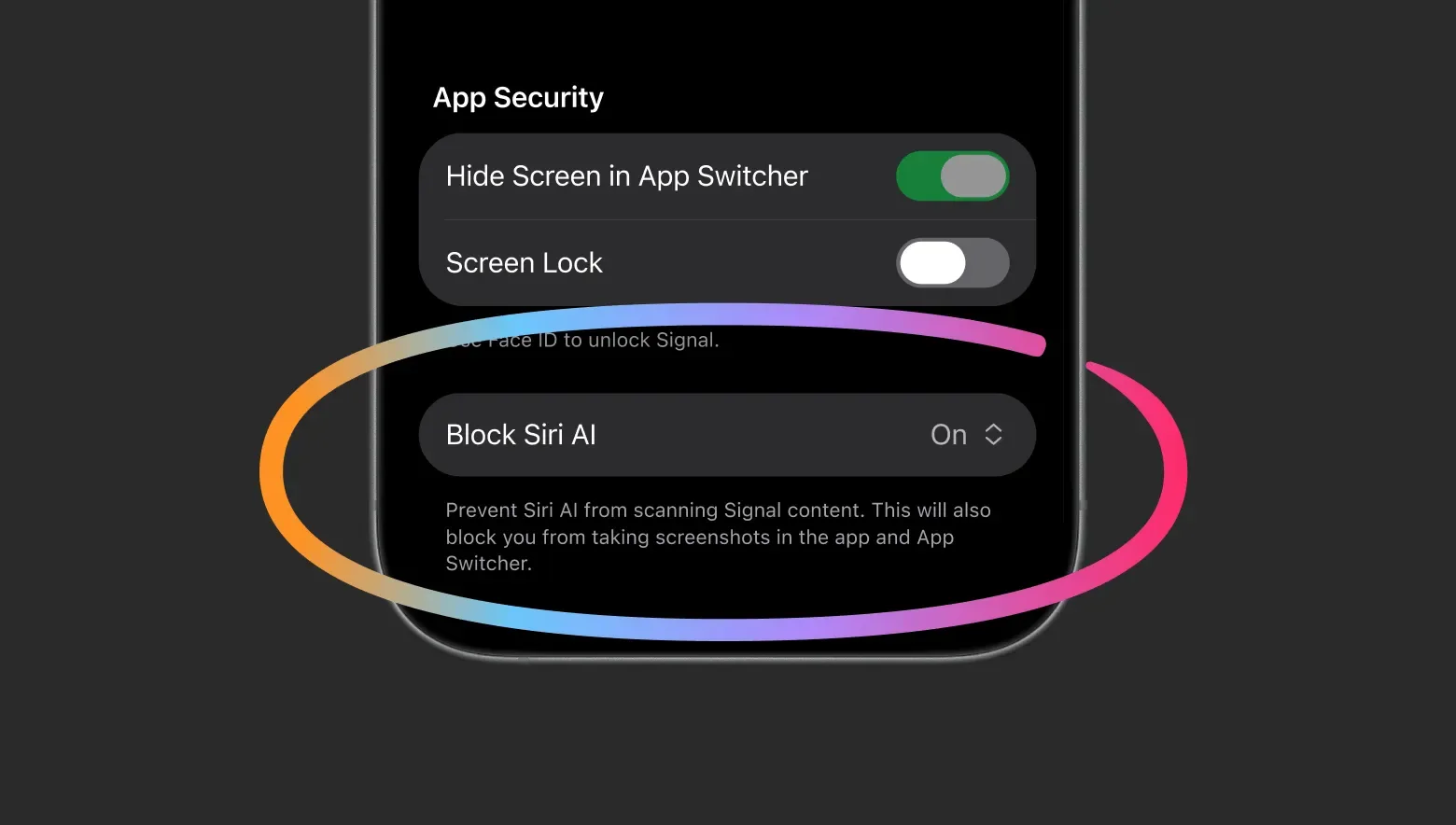
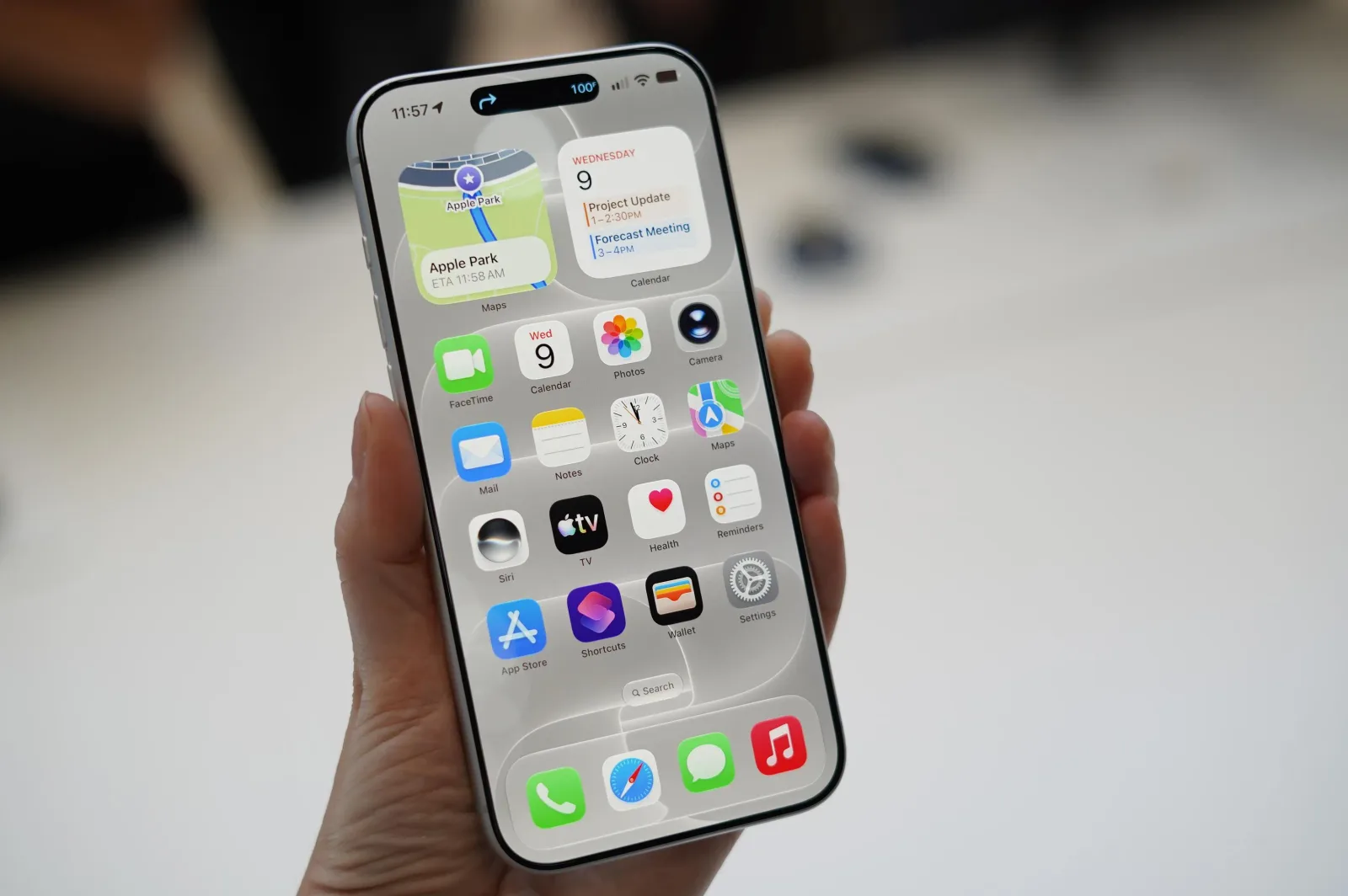
Signal has drawn a line in the sand against the encroaching influence of operating system-level artificial intelligence. The messaging app is now restricting the ability to take screenshots and preventing Siri and Gemini from scanning on-screen content. This technical barrier is designed to stop AI agents from reading private messages and other sensitive data. The move affects both iOS and Android users who rely on the app for secure communication.
According to The Verge, Signal president Meredith Whittaker explained that these agentic AI capabilities are undermining the app's ability to guarantee privacy. Operating systems are increasingly built with features that analyze on-screen information to learn more about the user. Signal argues that this automatic data harvesting creates a serious security gap that developers cannot easily close.
The core issue here is the lack of robust tools for app developers to control what data AI agents can access. Signal is urging operating system providers to make it easier for developers to restrict this access. Without such controls, the promise of end-to-end encryption is effectively broken by the operating system itself. This creates a paradox where the platform meant to protect you is actually exposing you.
This development signals a broader shift in how we interact with technology. We are moving from passive tools to active agents that observe and interpret our digital lives. Signal's decision to block these features is a defensive measure against a trend that many privacy advocates find alarming. It forces users to choose between convenience and true confidentiality.
The tension between innovation and privacy is becoming impossible to ignore. As AI becomes more integrated into our daily workflows, the boundaries of data collection will continue to blur. Signal's stance serves as a warning to other developers who value user trust. It shows that technical workarounds may be necessary when platform providers fail to provide adequate safeguards.
What this means for you If you use AI assistants on your phone, you need to be aware of what data they are collecting. You should regularly review the permissions granted to your operating system's AI features. Consider disabling screen analysis or screenshot capabilities for sensitive applications. Here is a prompt you can use to audit your current AI settings:
"List all the AI features currently enabled on my device that have access to screen content or clipboard data. Explain how to disable each one without affecting basic functionality."
Reporting basis: original story
← back to The Wire