the wire · #gadgets · 2026-10-30
iPhone Duo: Here are two tips for improving Safari web browsing
Cech Tech Reviews
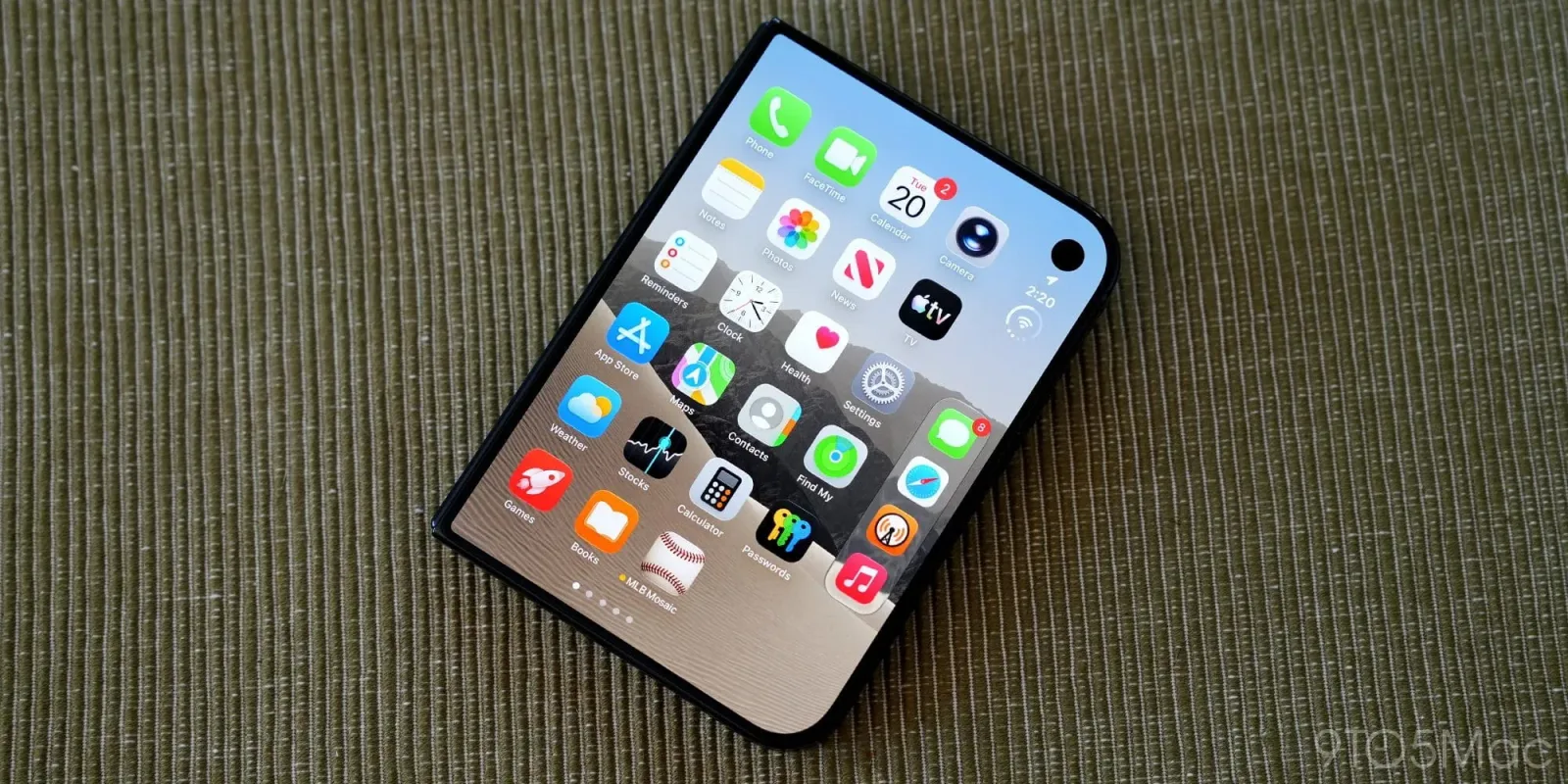
The launch of the iPhone Duo has been met with significant praise for its hardware innovations, yet the software experience, particularly within Safari, is drawing scrutiny. According to recent reports, users are finding the default web browsing behavior to be less intuitive than expected. This gap between hardware promise and software polish is a common hurdle for new devices, but it highlights a critical area where user intervention can make a substantial difference.
One major friction point involves how Safari handles tab management and background processes. The new device's increased processing power should theoretically allow for smoother multitasking, but the default settings often prioritize battery conservation over speed. This creates a noticeable lag when switching between tabs or reloading complex web applications. It is not a hardware limitation, but rather a software configuration choice that impacts daily productivity.
The first practical tip involves adjusting the tab grouping settings. By default, Safari may group tabs in a way that obscures frequently used sites. Users are advised to disable automatic grouping for specific folders or the main tab bar. This simple change reduces cognitive load and allows for faster navigation. It is a small tweak that restores a level of control often stripped away by aggressive automation features.
Another critical adjustment relates to the address bar and search integration. The new interface attempts to blend search and URL entry, which can confuse users looking for direct navigation. Disabling the enhanced search suggestions in the settings can streamline the process. This forces Safari to act as a traditional browser rather than a search engine portal, which many power users prefer for efficiency and privacy.
These adjustments reflect a broader trend in mobile operating systems where manufacturers are pushing for more integrated, but sometimes restrictive, user experiences. The iPhone Duo's Safari issues are not unique to Apple. Android browsers and other mobile web engines face similar challenges as they attempt to balance performance with ecosystem lock-in. The solution often lies in user customization rather than waiting for a software update.
From an AI perspective, these browsing habits generate valuable data. How you navigate the web influences the recommendations and shortcuts your device suggests. By taking control of these settings, you are also shaping the AI-driven features that will become more prominent in future iOS updates. A cleaner browsing environment leads to more accurate and useful AI assistance over time.
What this means for you is that you do not have to accept the default experience as final. These tweaks empower you to optimize the device for your specific workflow. For those looking to further enhance their productivity, consider using an AI assistant to summarize long articles you encounter while browsing. This reduces the time spent reading and helps you retain key information without getting lost in the web's endless scroll.
Try this workflow: Open your preferred AI assistant and paste the text from a complex article you are reading in Safari. Ask the assistant to "Extract the three most actionable insights and suggest one follow-up question for deeper research." This combines your improved browsing experience with AI-driven synthesis for maximum efficiency.
Reporting basis: original story
← back to The Wire