the wire · #ai · 2026-07-14
The Google Images homepage will recommend photos even before you search
Cech Tech Reviews
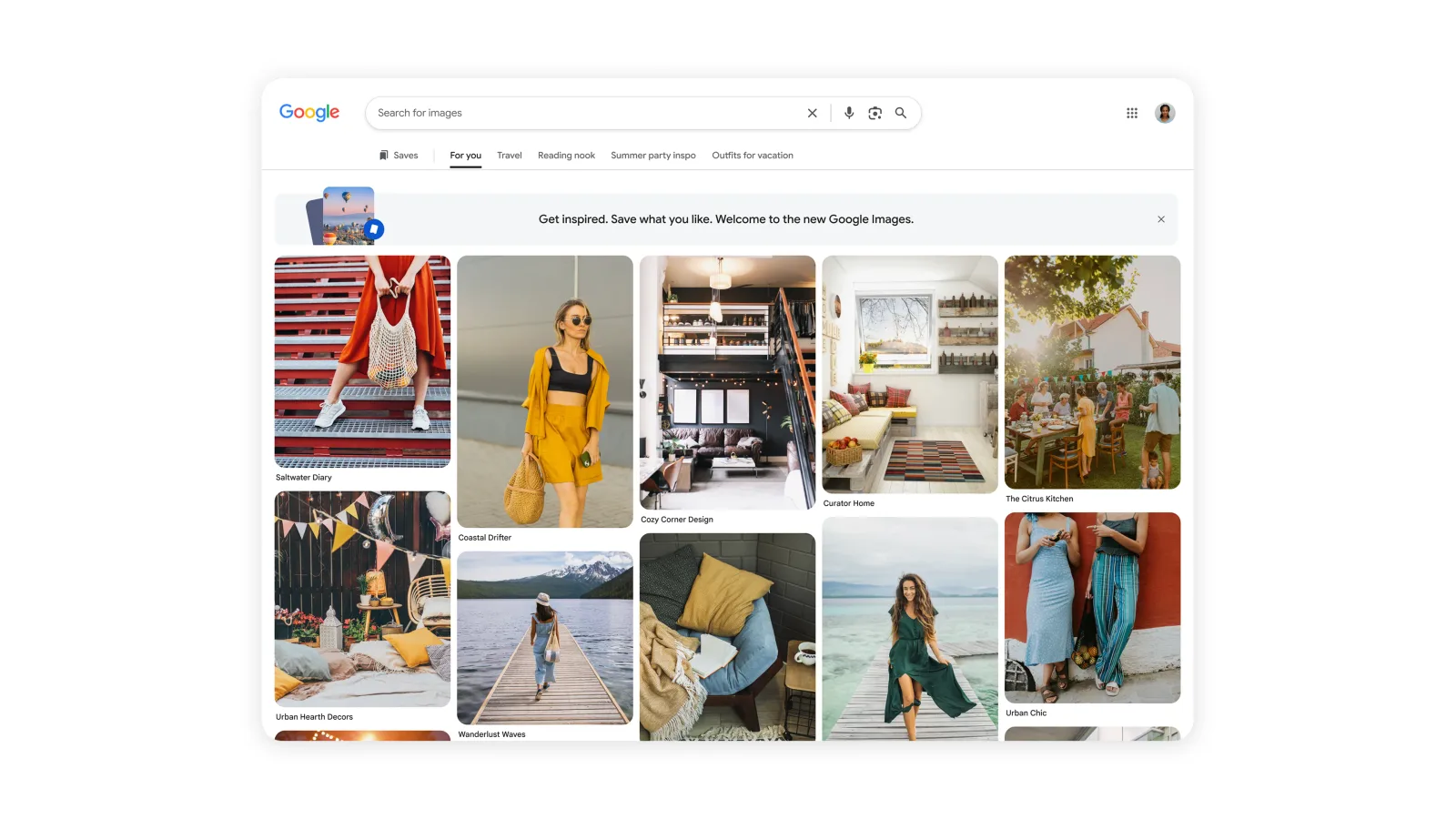
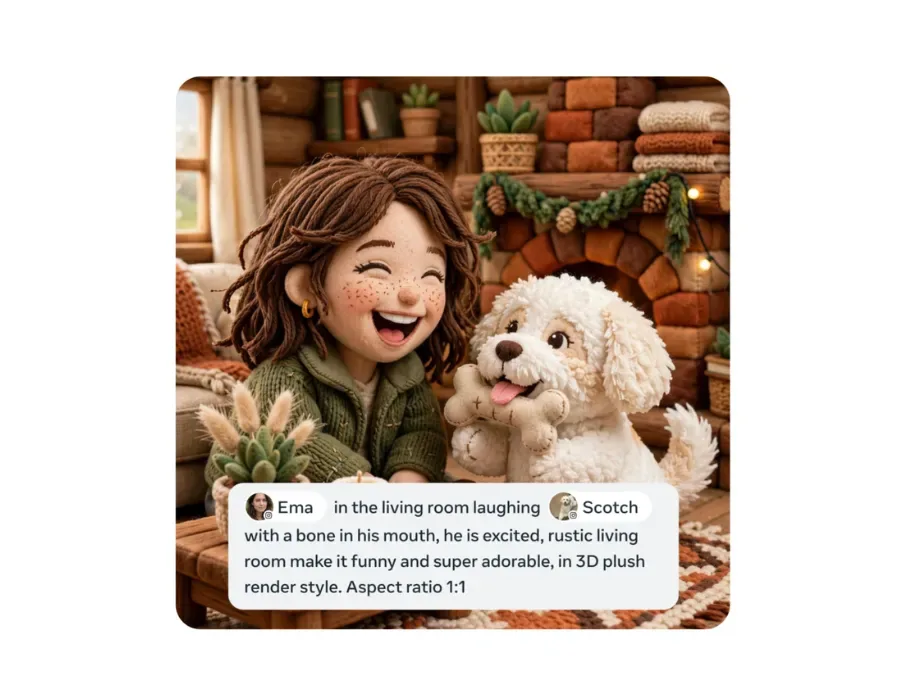
Google Images is getting a major redesign for its 25th birthday, and it's trading the minimalist search bar for something that looks a lot more like Pinterest, according to The Verge. Instead of staring at a blank page until you type a query, you'll now land on a scrollable feed of images Google thinks you'll find interesting, updated in real time and personalized to your browsing history and preferences.
This is a significant shift in how Google thinks about image search. For a quarter century, Google Images has been a pure utility, a tool you use when you need something specific. Now it's becoming a discovery platform, one that wants you to browse and linger rather than search and leave. The new layout puts Google Images in direct competition with visual platforms like Pinterest and Imgur that have always been built around the feed model.
The move reflects a broader trend across tech. Every platform is chasing engagement, and the fastest way to boost it is through algorithmic recommendations. Google already does this on YouTube and in Search's Discover feed. Now Images is getting the same treatment, likely because passive scrolling keeps users on the platform longer than deliberate searches ever could.
From a practical standpoint, this changes how image search works for research and work tasks. If you're looking for a specific photo or reference image, you'll now have to scroll past Google's recommendations to get to the search bar, or train yourself to ignore the feed entirely. That added friction might be minimal, but it's a reminder that even utility tools are being reshaped by the economics of attention.
The personalization angle is worth watching too. Google says the feed is tailored to your interests, which means it's pulling from your search history, browsing data, and whatever else the company knows about you. That could make the feed genuinely useful if it learns what you actually care about, or it could lock you into a visual filter bubble where you only see more of what you've already seen.
What this means for you: If you use Google Images for work or research, the new homepage might slow you down at first, but you can bypass it by bookmarking a direct search URL or just typing your query immediately. For creative inspiration, treat the new feed like a visual prompt generator. Try this: when you land on the redesigned homepage, pick the first three images that catch your eye and ask an AI assistant like ChatGPT or Claude, 'Generate five creative project ideas that combine these three visual themes.' It's a quick way to turn algorithmic recommendations into original creative fuel.
Reporting basis: original story
← back to The Wire